
The $lt operator in MongoDB filters documents where a field’s value is strictly less than a specified value and is commonly used in find(), update(), and aggregation pipelines.
- Filters documents with values less than a given threshold.
- Works with numbers and dates; array comparisons use lexicographical ordering and are less commonly used.
- Useful for range-based queries and filtering before sorting.
- May use indexes to improve performance depending on the query planner.
- Compares values of compatible data types only (e.g., number with number).
Syntax
{field: {$lt: value}}- field: The field name to compare.
- $lt: Specifies the less than condition.
- value: The threshold value to compare against.
Important Points About $lt in MongoDB
Here are features discussed:
- Filters documents where a field value is strictly less than a given value.
- Works with numbers and dates; array comparisons use lexicographical ordering and are less commonly used.
- Usable in find(), updateMany(), and aggregation stages like $match.
- Performs faster when relevant fields are indexed.
- Compares compatible data types to ensure accurate results.
Examples of MongoDB $lt Operator
For these examples, we assume the following setup
- Database: GeeksforGeeks
- Collection: employee
- Document: Four documents that contain the details of the employees in the form of field-value pairs.
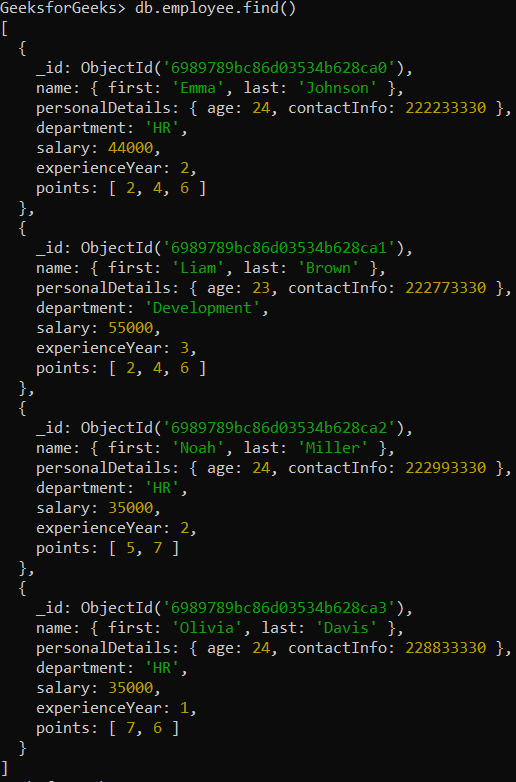
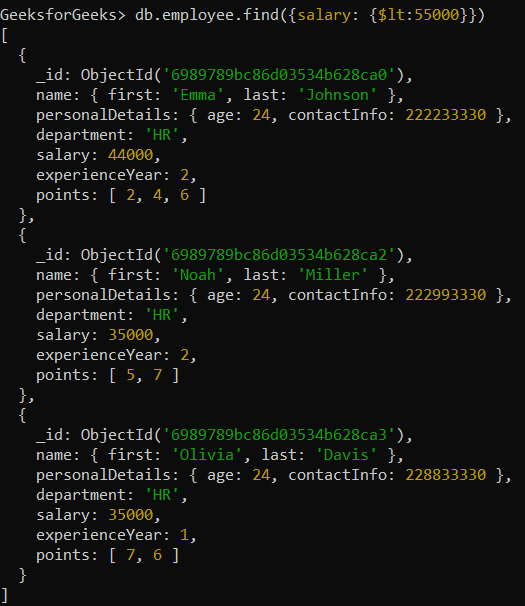
Example 1: Find Employees with Salary Less Than 55000
Retrieving those documents where the value of the salary field is less than 55000.
Query:
db.employee.find({salary: {$lt:55000}})Output:
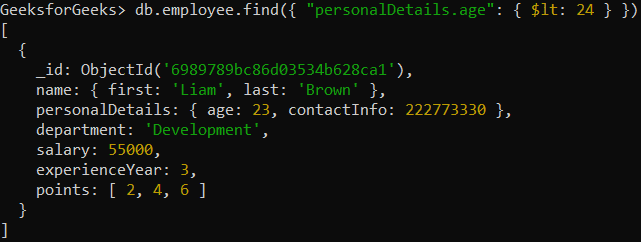
Example 2: Find Employees Younger Than 24 Years
Retrieving only those documents where the age of the employee is less than 24.
Query:
db.employee.find({"personalDetails.age": { $lt: 24 }})Output:
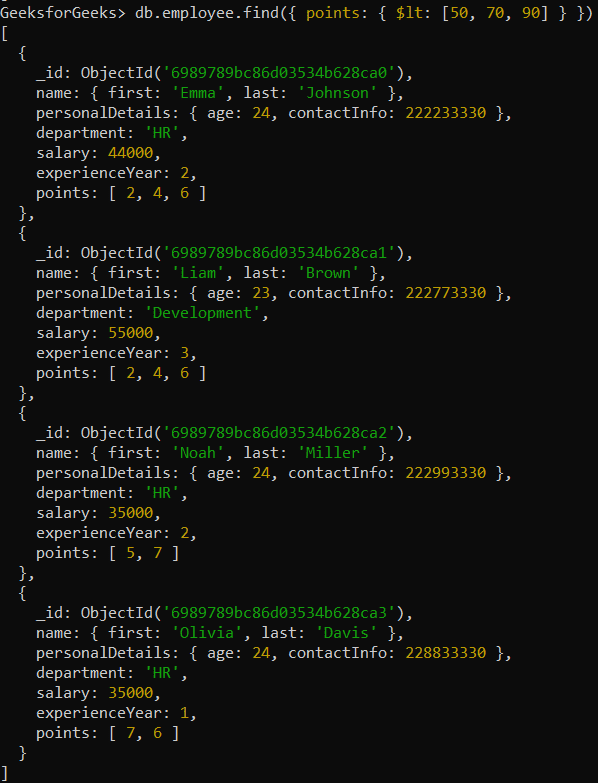
Example 3: Comparing Arrays with $lt Operator
Retrieving only those documents where the points array is lexicographically less than the specified array. MongoDB compares arrays element by element from left to right (similar to string sorting).
Query:
db.employee.find({ points: { $lt: [50, 70, 90] } })Output:
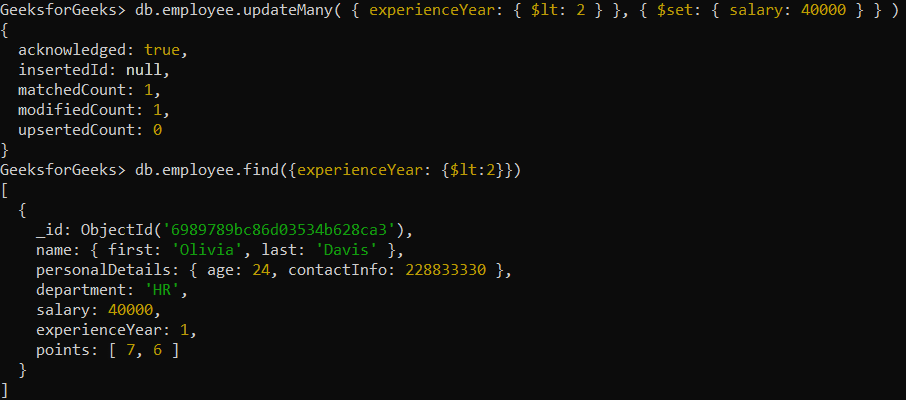
Example 4: Update Salaries for Employees with Less Than 2 Years of Experience
Updating the salary of those employees whose experience year is less than 2 years.
Query:
db.employee.updateMany({ experienceYear: { $lt: 2 } }, { $set: { salary: 40000 } })Output:
Performance Optimization Tips for Using $lt
To improve query performance when using the $lt operator, follow these best practices:
1. Use Indexing for Faster Queries
Create indexes on frequently filtered fields so $lt queries run efficiently.
db.employee.createIndex({ salary: 1 })2. Avoid Large Collection Scans
Without indexes, $lt queries may scan the entire collection, slowing performance.
3. Use Projection to Limit Retrieved Fields
Return only required fields to reduce data transfer and processing time.
db.employee.find({ salary: { $lt: 35000 } }, { name: 1, salary: 1 })4. Ensure Proper Data Type Comparisons
Compare compatible data types (e.g., numbers with numbers) to avoid incorrect results and slow queries.