
Snap is a modern package management and software deployment system developed by Canonical. It allows users to install, update and manage applications through self-contained packages known as snaps. These packages work across multiple Linux distributions, making software deployment simpler and more consistent. Key features of Snap packages include:
- Cross-distribution compatibility.
- Bundled dependencies.
- Automatic updates.
- Rollback support.
- Enhanced security through sandboxing.
- Easy installation and removal.
Step-By-Step Commands and Guide to Install Snap
Most modern Ubuntu releases include Snap by default. If Snap is not installed, follow these steps.
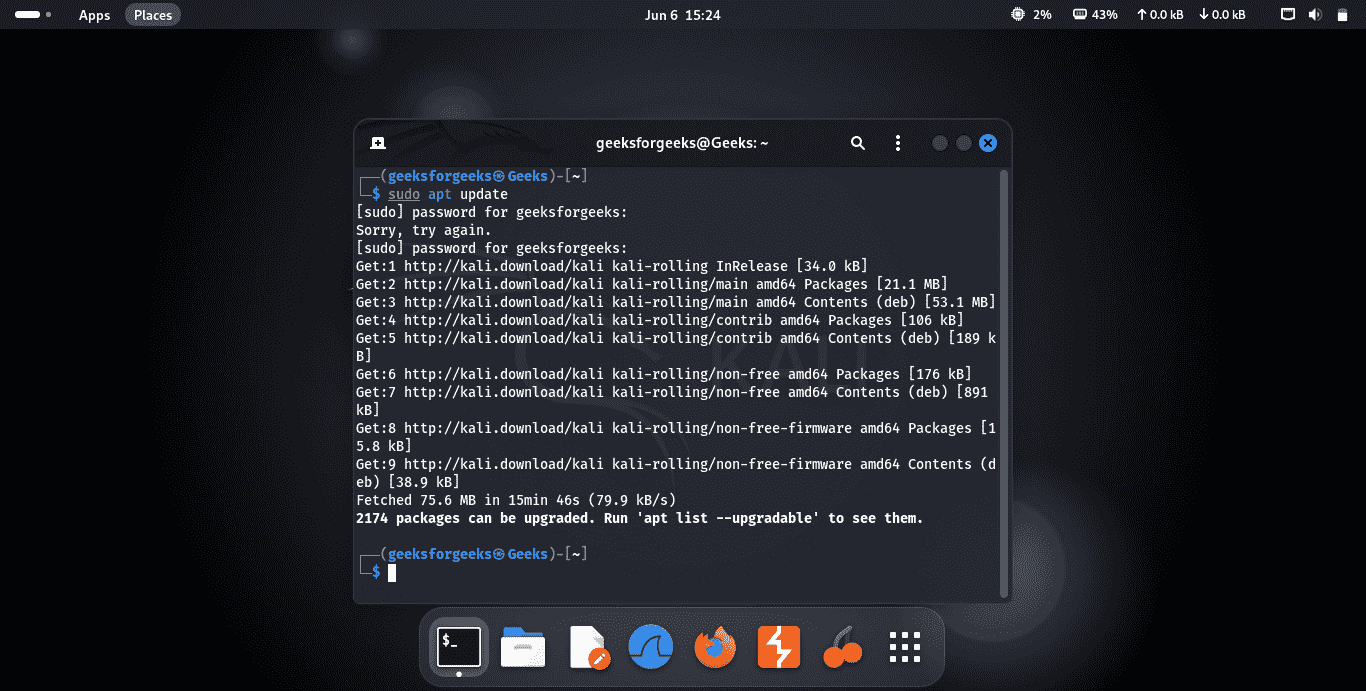
Step 1: Update Package Information
sudo apt updateOutput:
Step 2: Install Snapd
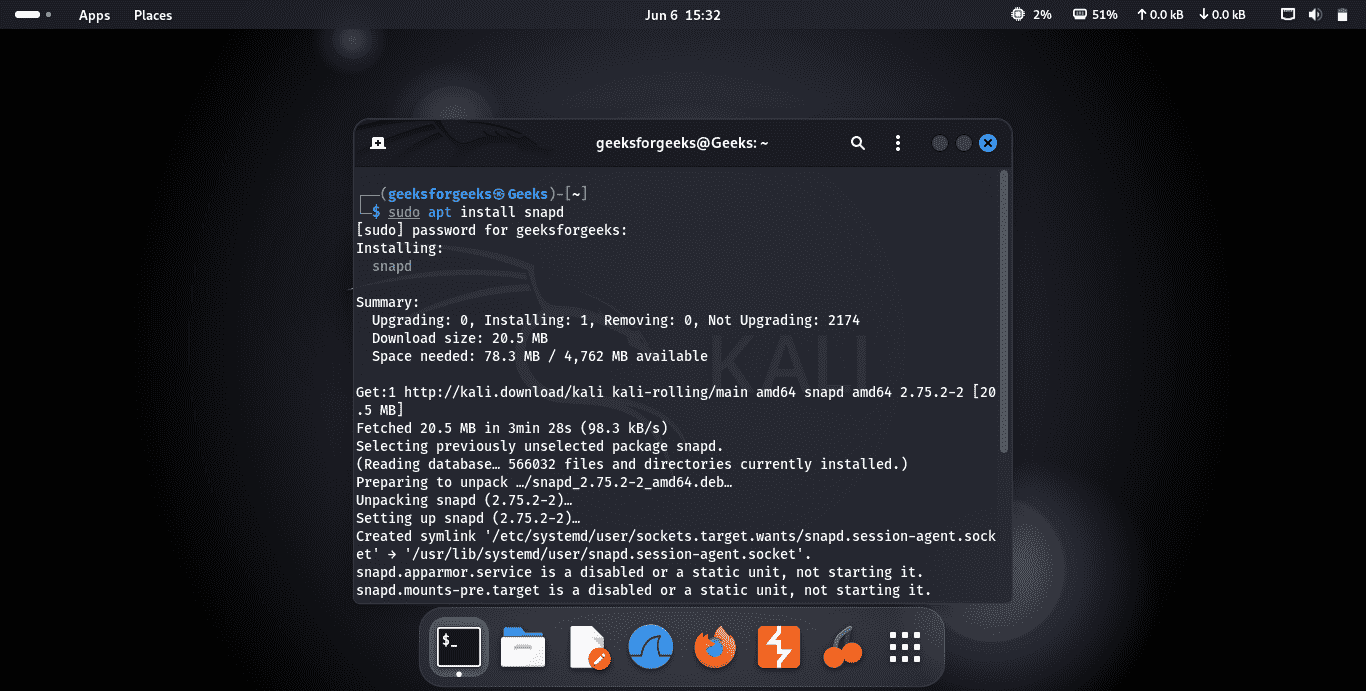
sudo apt install snapdOutput:
Step 3: Verify the Installation
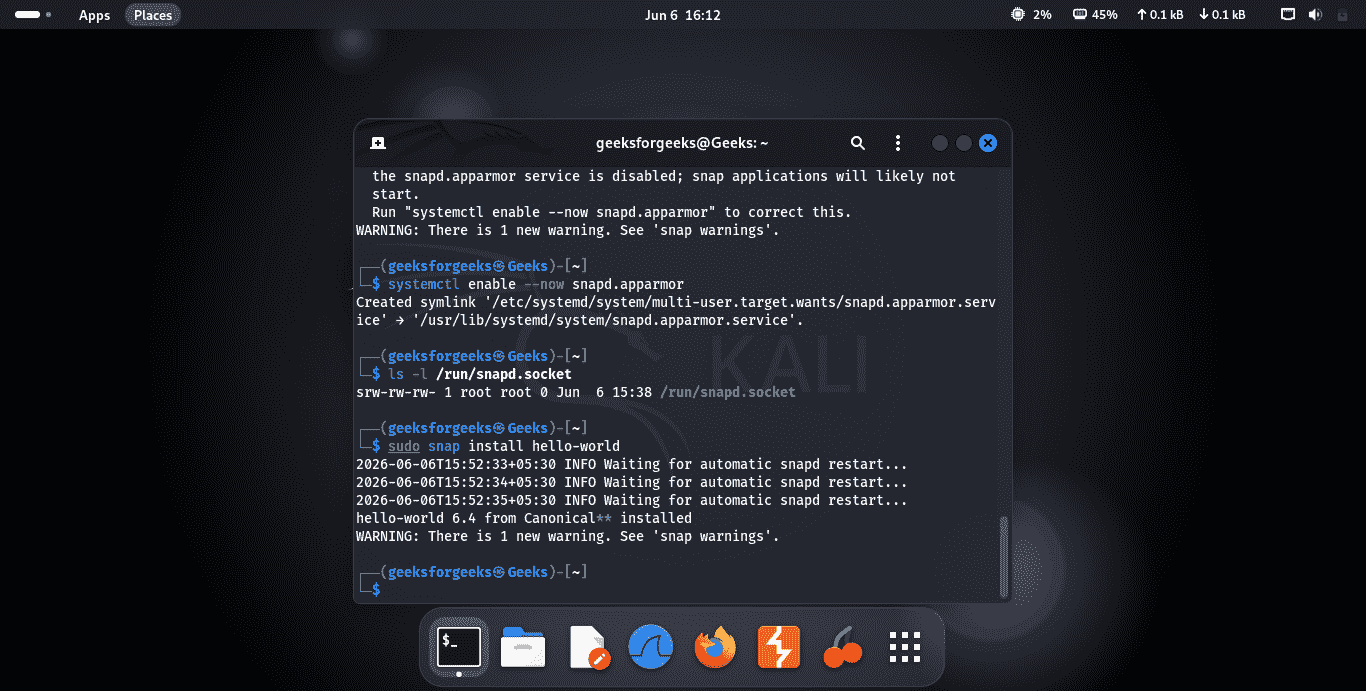
Install the sample hello-world snap.
sudo snap install hello-worldOutput:
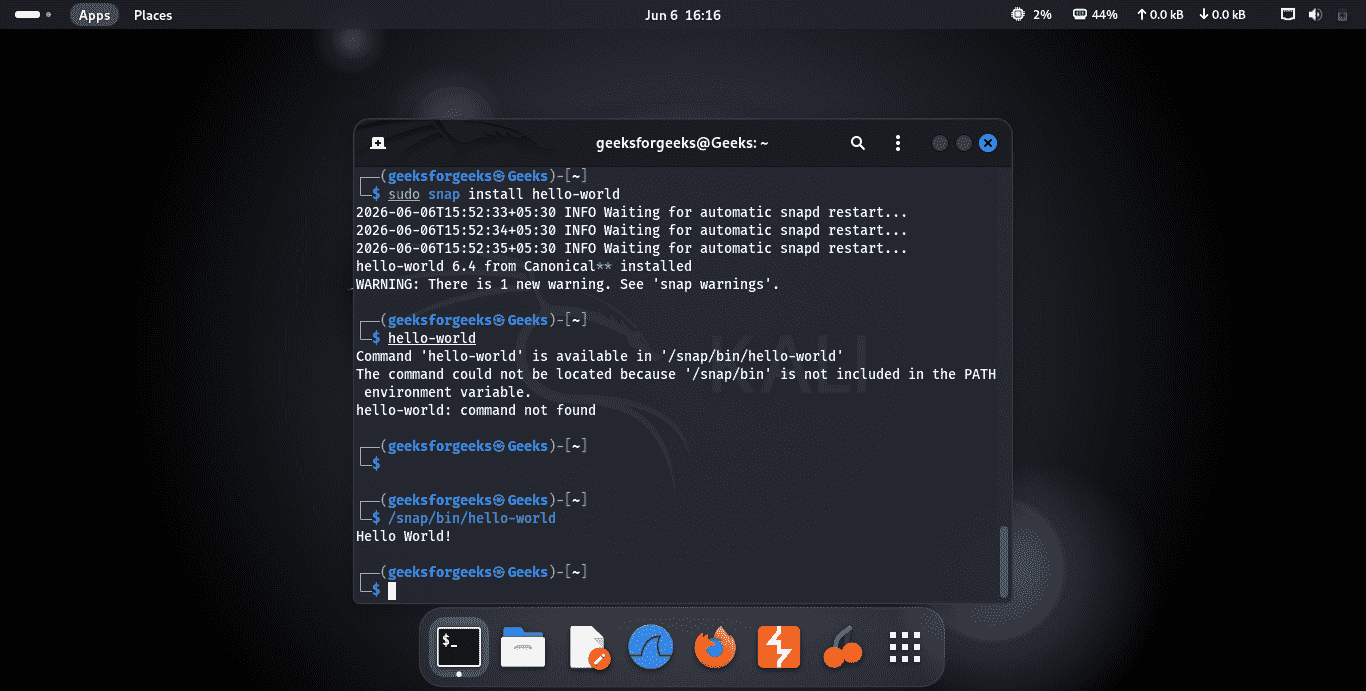
Step 4: Run the Test Application
If the command executes successfully, Snap has been installed correctly.
/snap/bin/hello-worldOutput:
Common Snap Commands
The following are the snap command options with their examples.
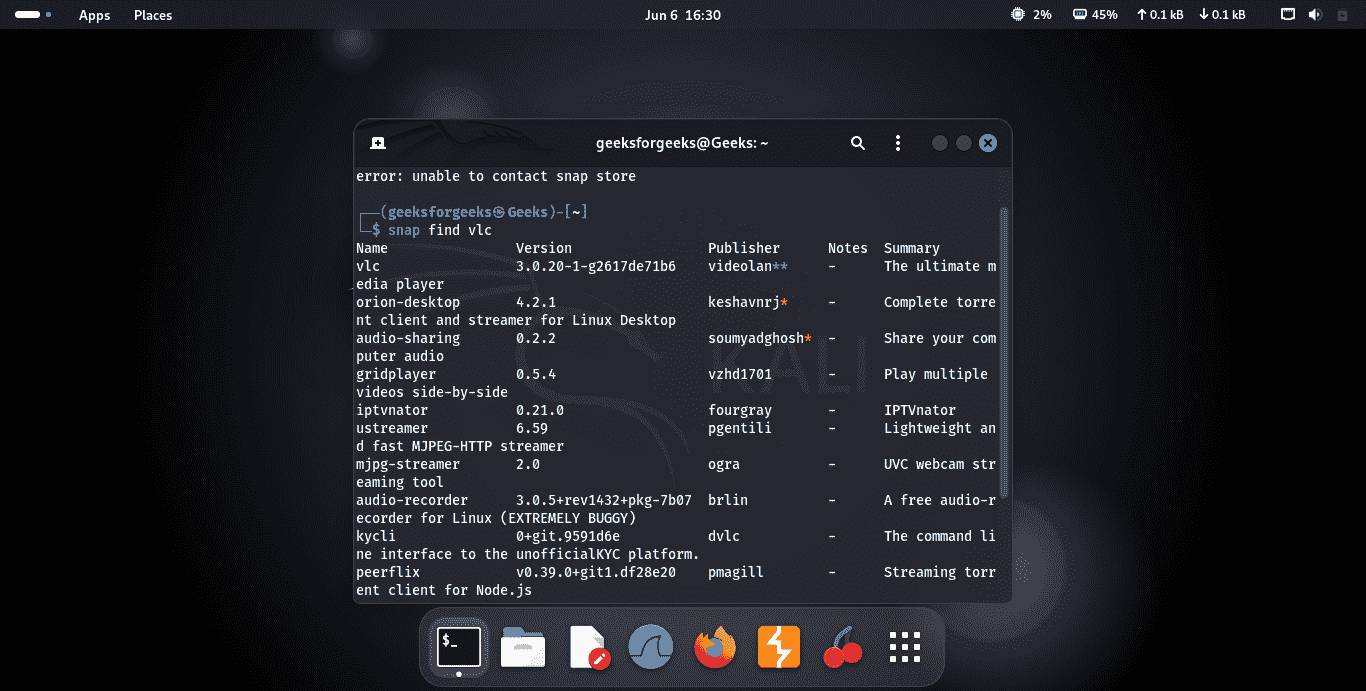
1. Search for an Application
snap find app_nameExample: snap find vlc
Output:
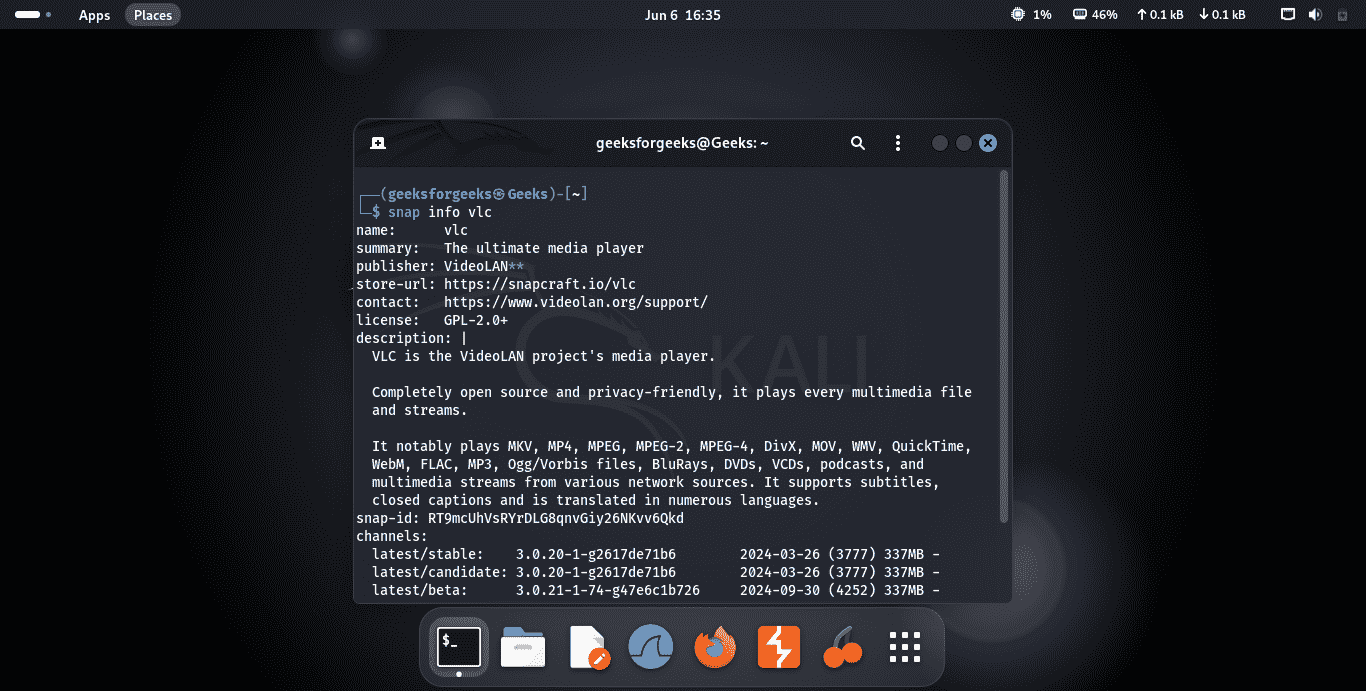
2. View Application Information
snap info app_nameExample: snap info vlc
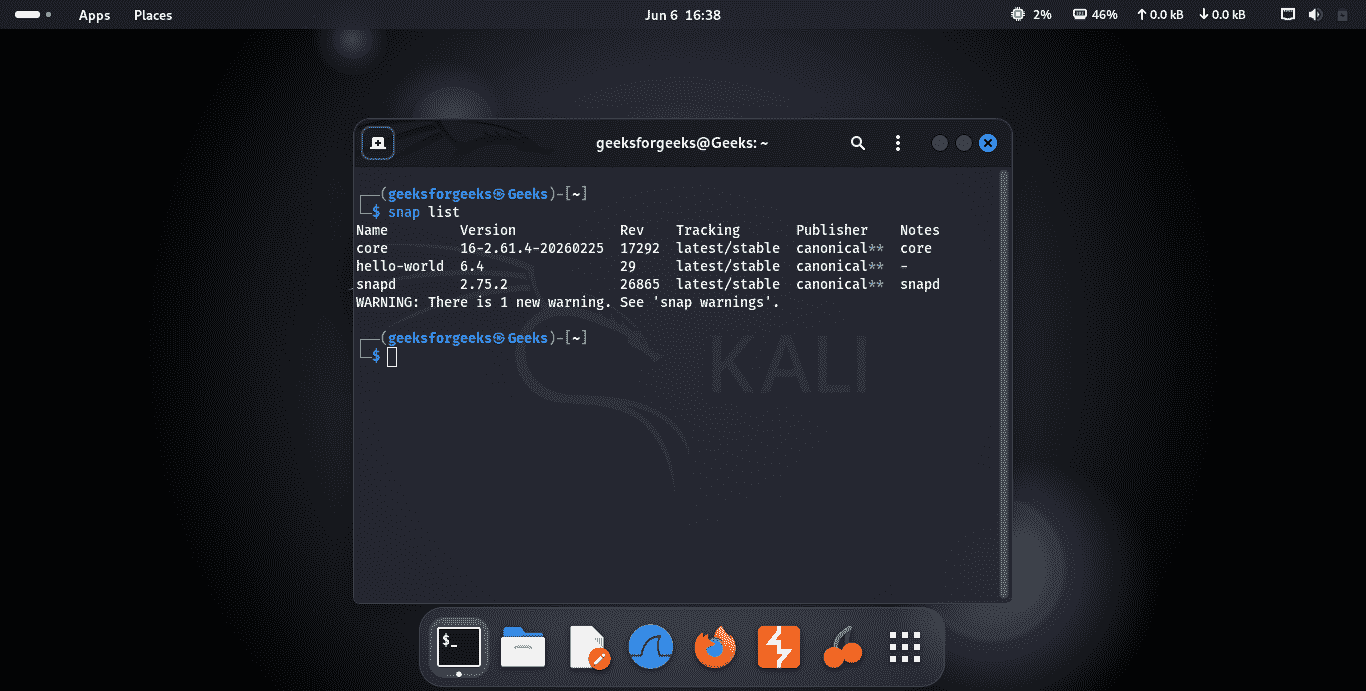
3. List Installed Snaps
snap listOutput:
Snap vs. Apt
The following are the differences between snap and apt:
| Feature | Snap | APT |
|---|---|---|
| Compatibility | Works across multiple Linux distributions | Primarily for Debian-based distributions such as Ubuntu |
| Dependency Management | Bundles required dependencies within the package | Uses system-wide shared dependencies |
| Updates | Automatic updates with rollback support | Updates managed through the package manager |
| Security | Applications run in isolated sandboxes | Traditional package management with less isolation |
| Package Size | Usually larger due to bundled dependencies | Generally smaller because dependencies are shared |
| Startup Speed | Can be slightly slower for some applications | Typically faster startup times |