Forensics tools are specialized software used to extract, analyze and interpret digital evidence from systems, files and networks during cyber investigations. They help security professionals reconstruct incidents, understand attack methods and recover critical information, making them essential in handling modern threats like malware, ransomware and data breaches.
- Extracts hidden, deleted or embedded data from digital sources
- Supports malware analysis, intrusion detection and incident response
- Examines disk images, network traffic and system logs for evidence
- Helps identify attack patterns and traces of attackers
- Assists in password recovery and file decryption analysis
1. Binwalk
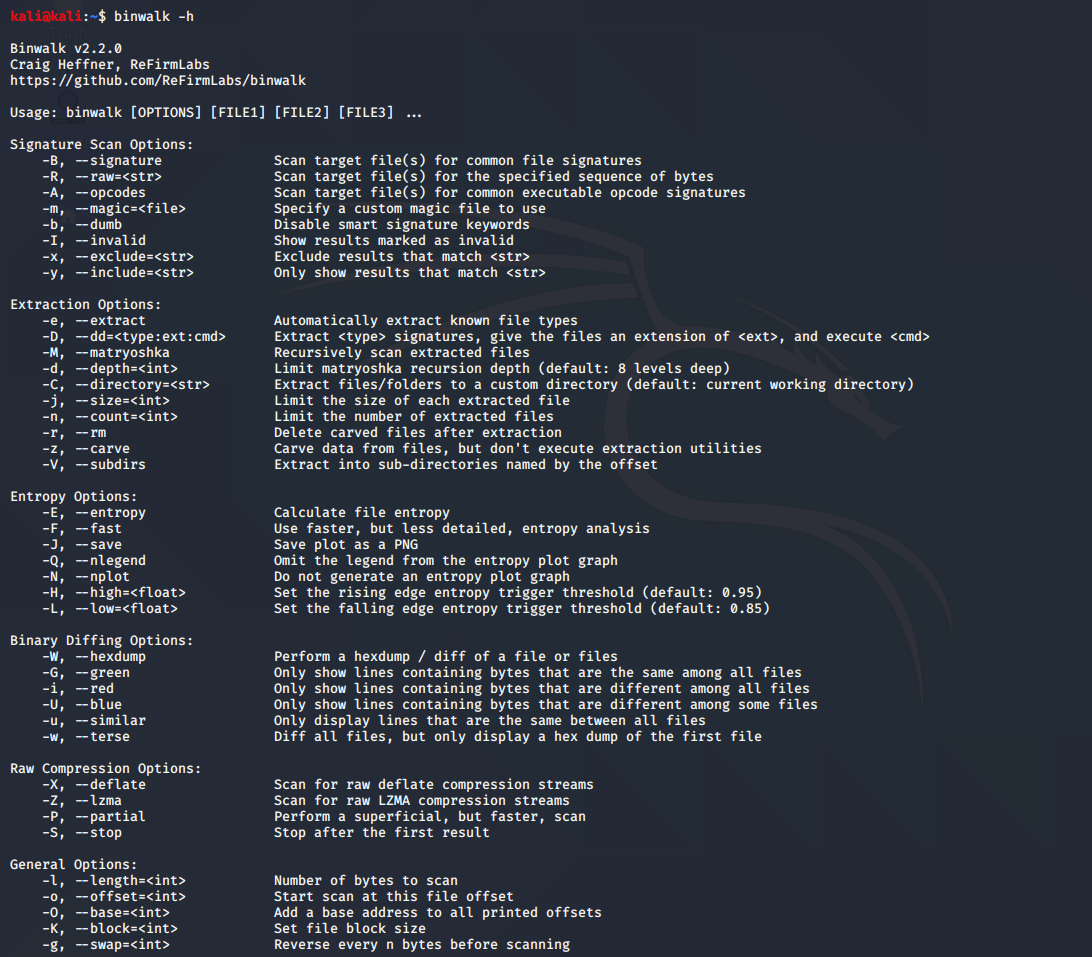
Binwalk is a powerful tool used for analyzing and extracting embedded files and executable code from binary images and firmware files. It is widely used in reverse engineering and malware analysis.
- Detects hidden files inside firmware images
- Uses UNIX-style magic signatures via the libmagic library
- Useful for identifying embedded file systems
- The Official Github Repository for Binwalk is: https://github.com/ReFirmLabs/binwalk
Command:
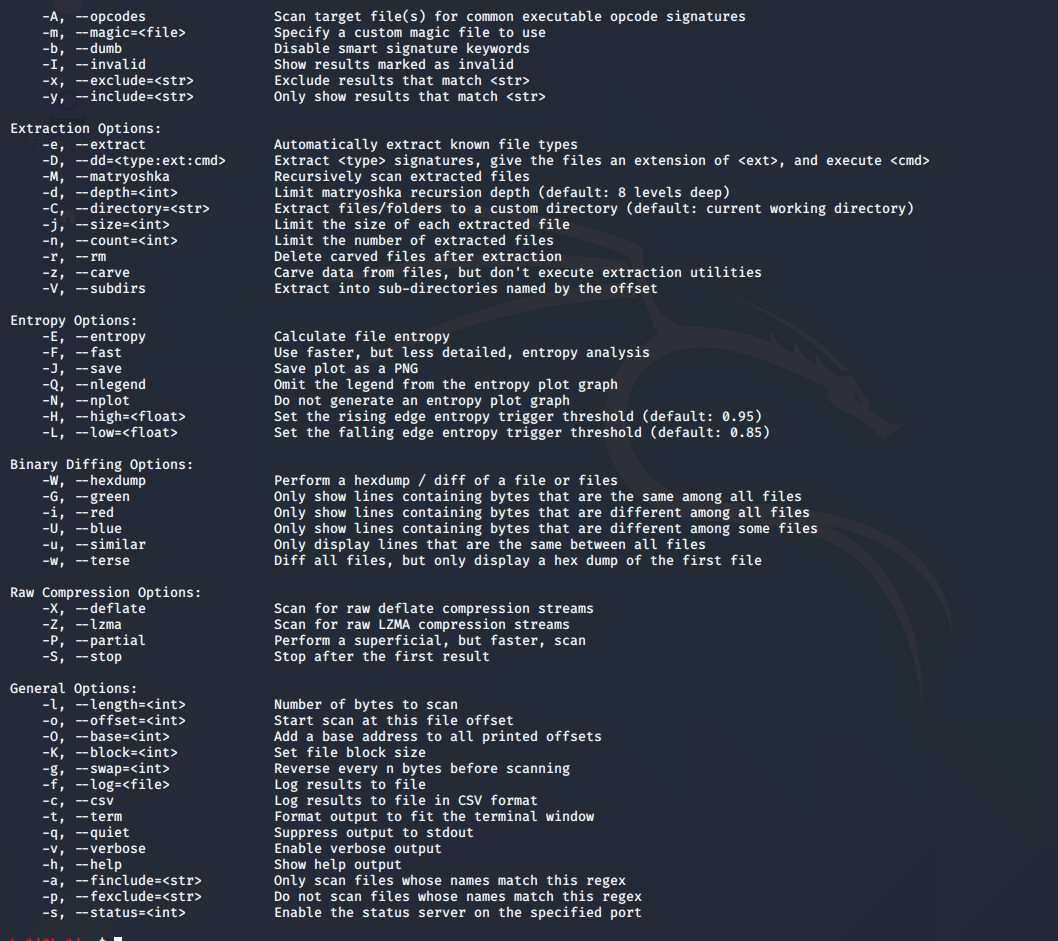
binwalk -h
- Displays help options for the tool.
Output:
2. Bulk-Extractor
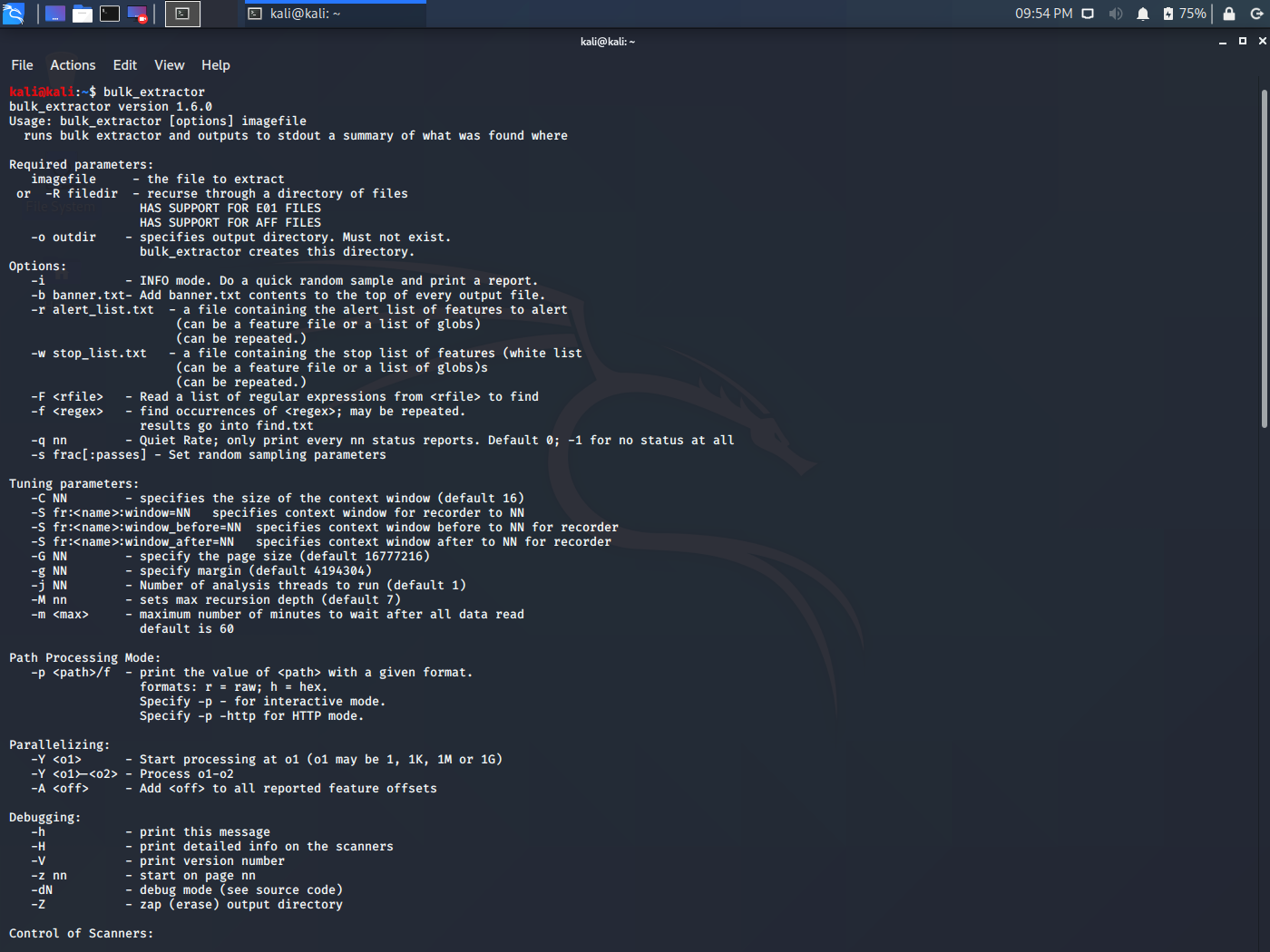
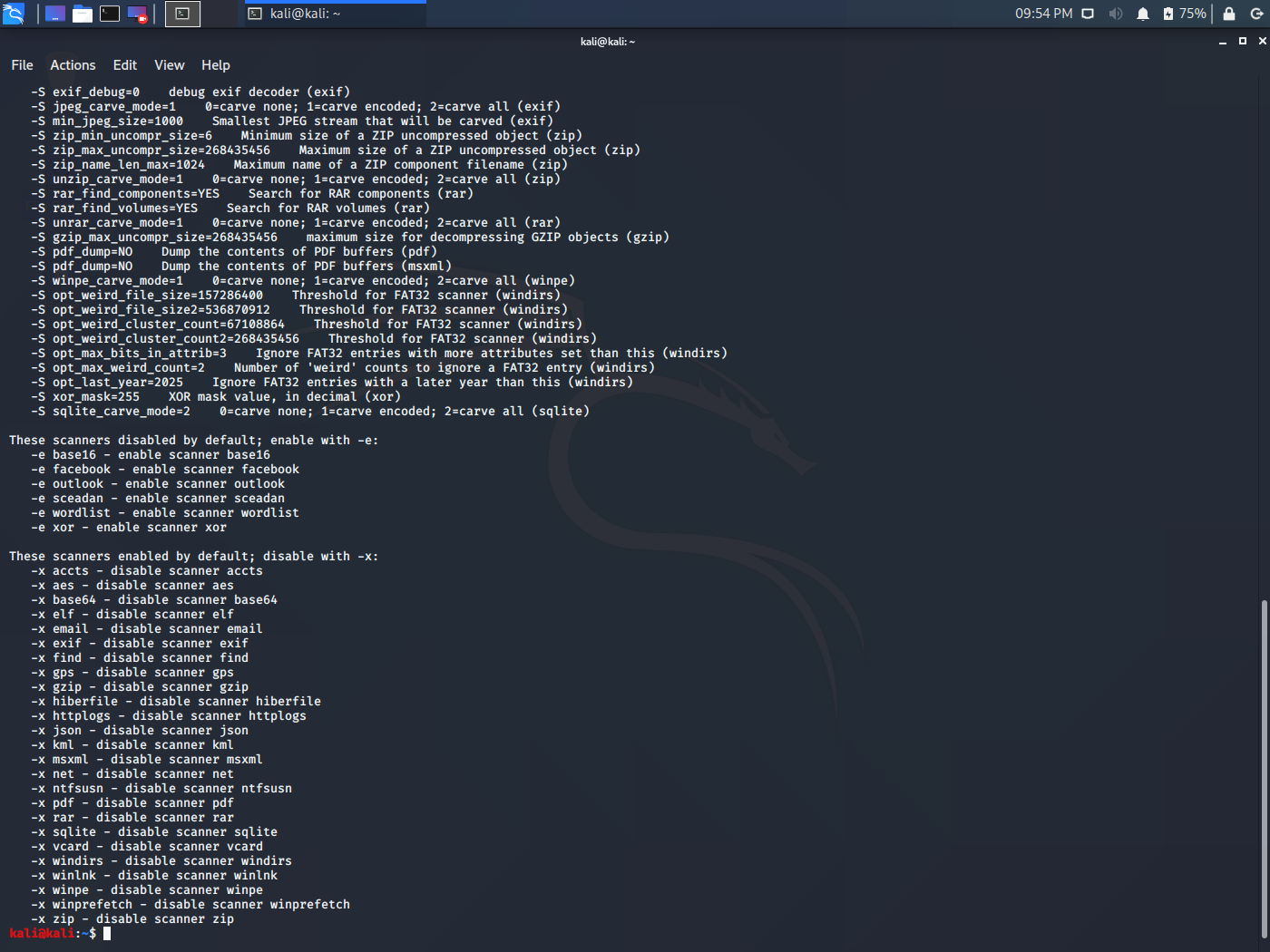
Bulk Extractor is used to scan disk images and files to extract useful forensic artifacts such as emails, URLs, credit card numbers and other sensitive data.
- Works on disk images, directories and compressed files
- Useful in intrusion and malware investigations
- Can process corrupted or partial data
Command:
bulk_extractor Output:
3. p0f (Passive OS Fingerprinting Tool)
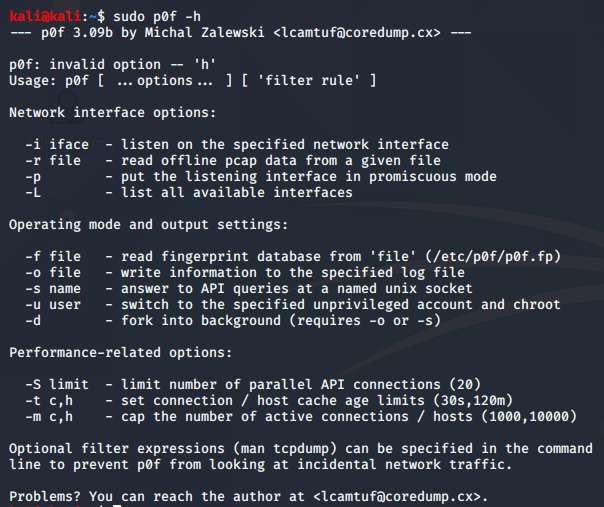
p0f is a passive network analysis tool used to identify system information from captured network traffic without actively interacting with the target system.
- Detects IP addresses and operating systems
- Works even behind firewalls
- Useful for network monitoring and vulnerability analysis
Command:
p0f -hOutput:
4. Autopsy
Autopsy is a graphical digital forensics platform used for analyzing disk images and recovering deleted files. It is widely used in law enforcement and cybersecurity investigations.
- Analyzes file systems and system logs
- Recovers deleted or hidden files
- Helps in timeline analysis of system activity
- Commonly pre-installed in Kali Linux
Usage Steps:
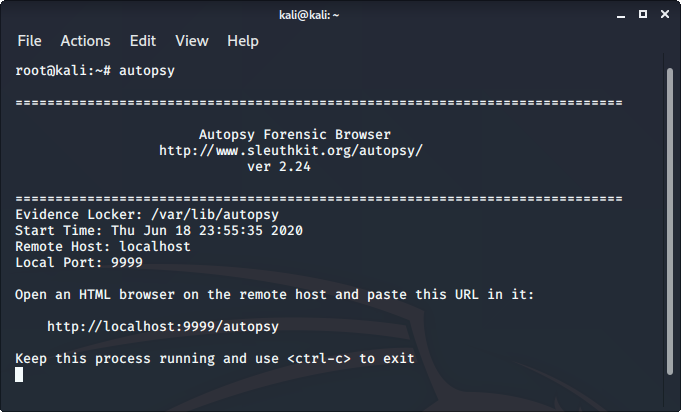
- Run in terminal
Command:
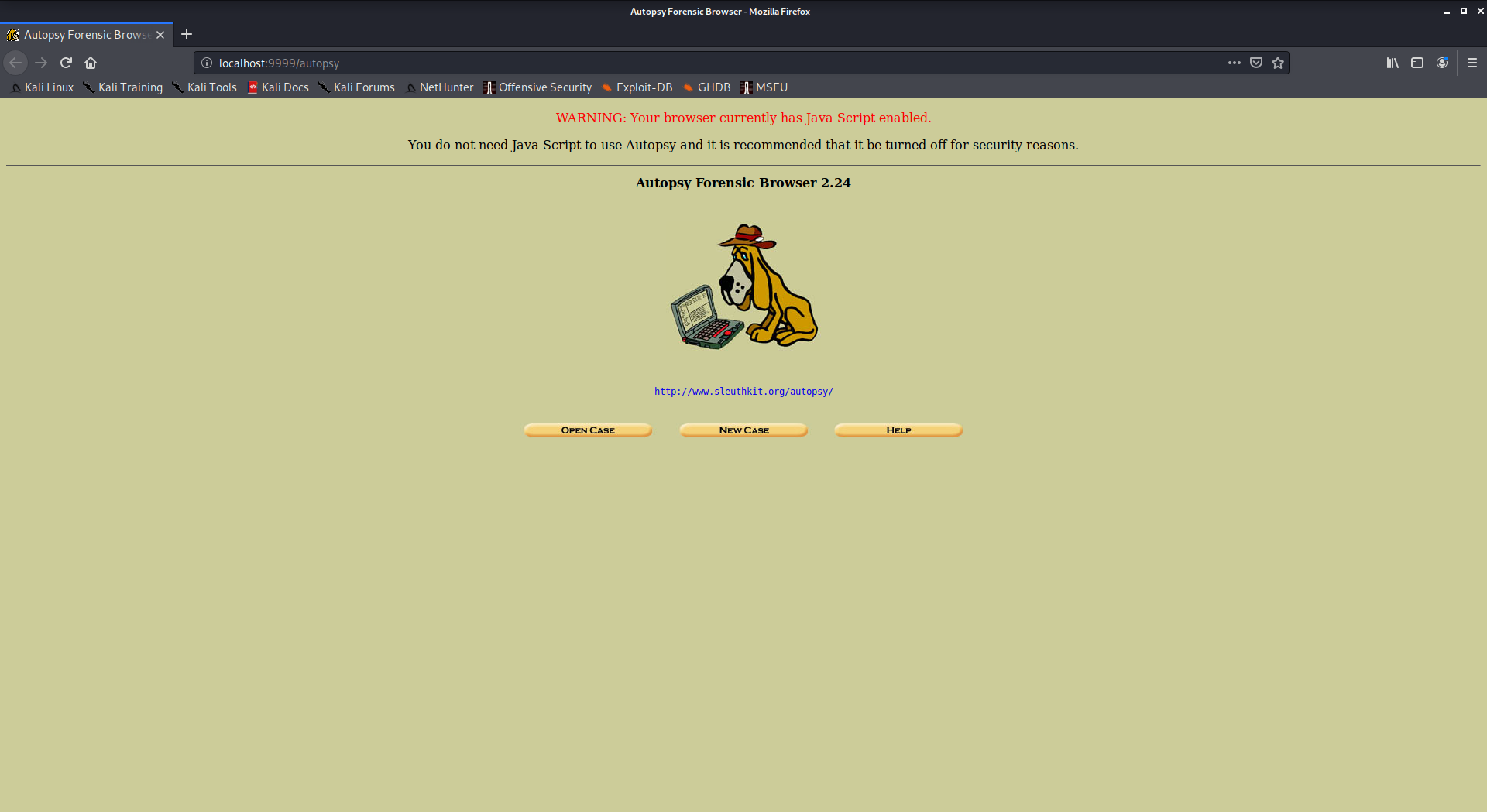
autopsy- Access interface via
http://localhost:9999/autopsyOutput:
- Access interface via
http://localhost:9999/autopsyOutput:
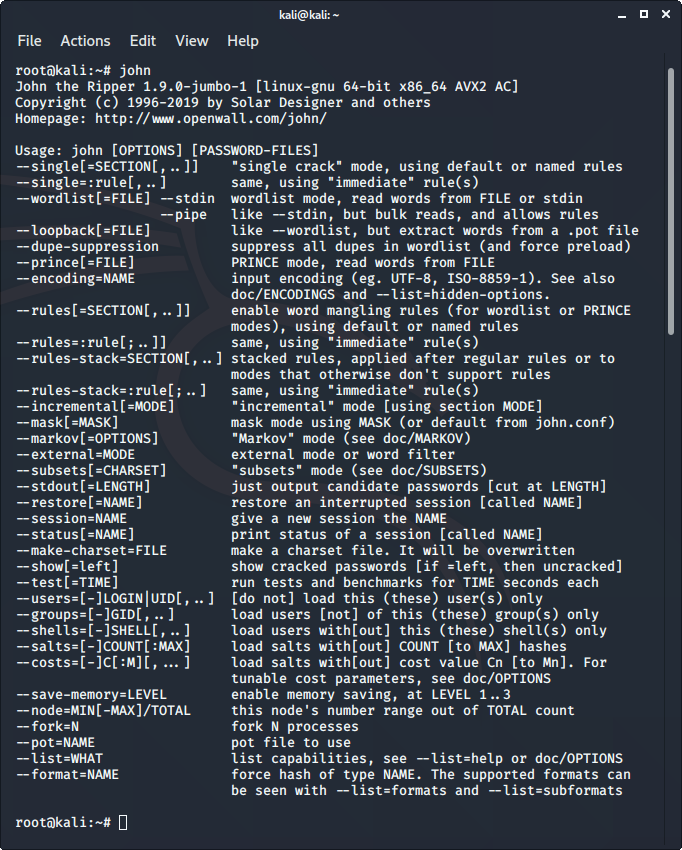
5. John the Ripper
John the Ripper is a password-cracking tool used in forensic investigations to test the strength of passwords and recover lost credentials.
- Supports brute-force and dictionary attacks
- Used for cracking ZIP, PDF and other encrypted files
- Helps assess password security strength
Command:
johnOutput: