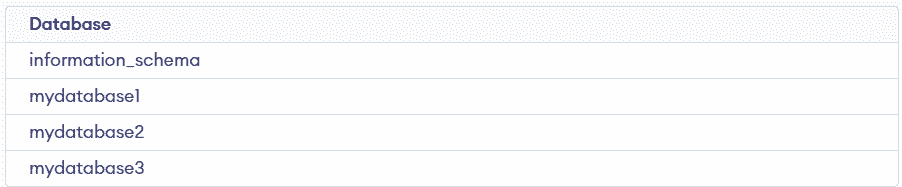
The SHOW DATABASES command is used to retrieve and display all databases accessible to the current user in a DBMS. It simplifies database management by avoiding direct queries on system tables.
- It lists all databases that the current user has permission to access.
- The command is simple and widely supported across many SQL-based systems.
- It helps quickly view and manage available databases without complex queries.
Syntax:
SHOW DATABASES;Working with SQL Show Databases
The following examples demonstrate how to use the SHOW DATABASES command in different scenarios, including listing all databases and filtering results using conditions.
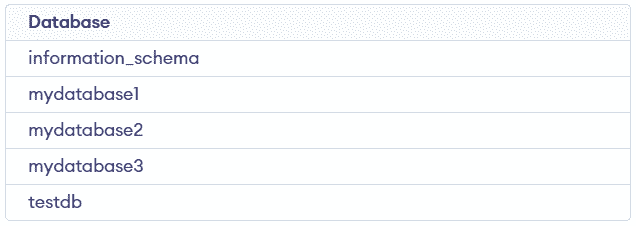
Example 1: Listing All Databases
This example shows how to use SHOW DATABASES to view all databases available on the server. It provides a quick overview of existing databases.
Query:
SHOW DATABASES;Output:
Example 2: Filtering Databases Using LIKE
This example demonstrates filtering databases using the LIKE clause based on a naming pattern. It helps in quickly finding specific databases.
Query:
SHOW DATABASES WHERE Database LIKE 'my%' ; Output:

Example 3: Filtering Databases Using NOT LIKE
This example shows how to exclude databases using the NOT LIKE condition. It is useful for removing unwanted results from the list.
Query:
SHOW DATABASES WHERE `Database` NOT LIKE 'test%' ;Output: