
React Router allows navigation between different pages or views in a React application. Programmatic navigation lets the app change routes without reloading the page, creating a smooth user experience.
- It enables navigation based on events like button clicks or form submissions.
- The URL can change without refreshing the page.
- It helps build fast and dynamic single-page applications.
Using the useNavigate hook
In this approach, we are using the useNavigate hook to programmatically navigate. This hook provides a navigation function that allows us to navigate to a different route within the application.
Syntax:
const navigate = useNavigate();
navigate('path-name');
Example: Below is the implementation for above approach.
// App.js
import React from 'react';
import { Route, Routes } from 'react-router-dom';
import { BrowserRouter } from 'react-router-dom'
import MyComponent from './components/MyComponent';
import Profile from './components/Profile';

const App = () => {

    return (
        <BrowserRouter>
            <Routes>
                <Route path="/" element={<MyComponent />} />
                <Route path="/profile" element={<Profile />} />
            </Routes>
        </BrowserRouter>
    );
};

export default App;
// components/MyComponent.js
import React from 'react';
import { useNavigate } from 'react-router-dom';

function MyComponent() {
    const navigate = useNavigate();

    function handleClick() {
        navigate('/profile');
    }

    return (
        <>
            <h1>Welcome to GeeksForGeeks</h1>
            <button onClick={handleClick}>Go to profile</button>
        </>
    );
}

export default MyComponent;
// components/Profile.js
import React from 'react';

const Profile = () => {
    return (
        <>
            <h1>Welcome to Your Profile</h1>
            <p>This is your profile page.
                You can view and edit your profile information here.
            </p>
        </>
    );
};

export default Profile;
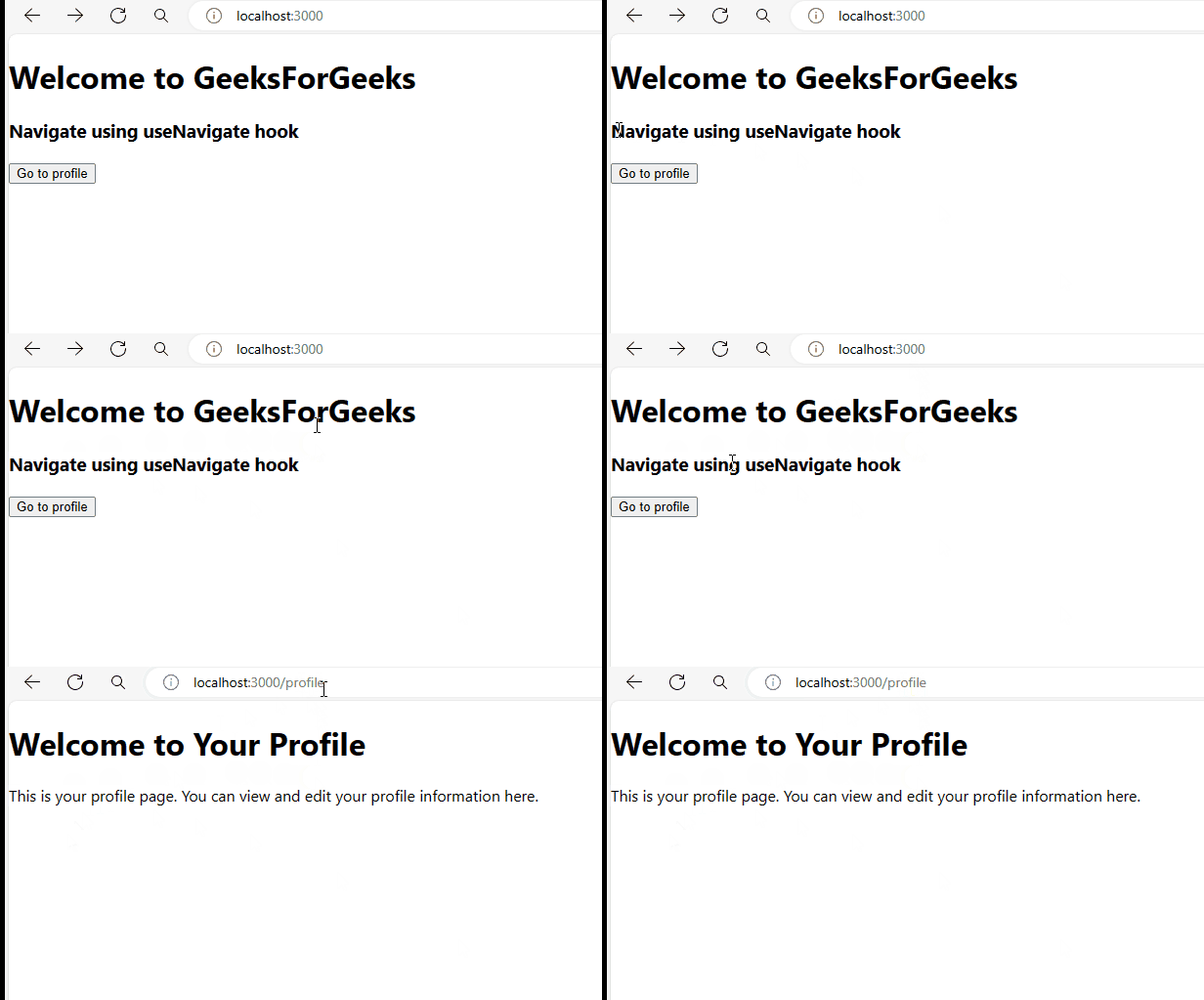
Output:
Using the Link Component
The Link component from react-router-dom creates links that navigate between routes in a React app without reloading the page.
Syntax:
<Link to="path-name">Example: Below is the implementation for above approach.
// App.js
import React from 'react';
import { Route, Routes } from 'react-router-dom';
import { BrowserRouter } from 'react-router-dom'
import MyComponent from './components/MyComponent';
import Profile from './components/Profile';

const App = () => {

    return (
        <BrowserRouter>
            <Routes>
                <Route path="/" element={<MyComponent />} />
                <Route path="/profile" element={<Profile />} />
            </Routes>
        </BrowserRouter>
    );
};

export default App;
// components/MyComponent.js
import React from 'react';
import { Link } from 'react-router-dom';

function MyComponent() {
    return (
        <div>
            <h1>Welcome to GeeksForGeeks</h1>
            <h3>Navigate using Link component</h3>
            <Link to="/profile">
                <button>Go to profile</button>
            </Link>
        </div>
    );
}
export default MyComponent;
// components/Profile.js

import React from 'react';

const Profile = () => {
    return (
        <>
            <h1>Welcome to Your Profile</h1>
            <p>This is your profile page.
                You can view and edit your profile information here.
            </p>
        </>
    );
};

export default Profile;
Output:
