In React, when we are working with dynamic data, it is common to render a list of items. In React, there are several methods to render the list efficiently.

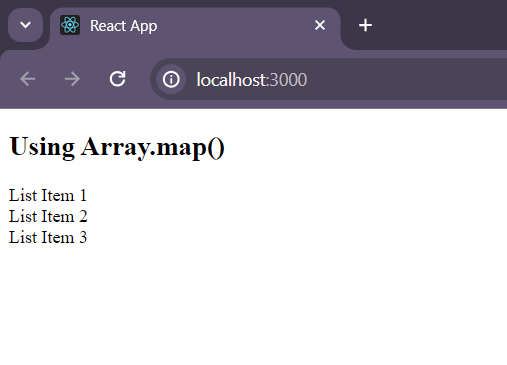
1. Using Array.map()
Array.map() is a built-in JavaScript function provided by JavaScript. It iterates over the list of items in the array and returns a list of React components
- map() function is called over the array, and a callback function is accepted as an argument
- callback function will take the item and index as arguments
- index should be used as a key for the item
// Array.map() function
import React from 'react';

const arrayList = ['List Item 1', 'List Item 2', 'List Item 3'];

const UsingArrayMap = () => (
    <div>
        {
            arrayList.map((item, index) => (
                <div key={index}>{item}</div>
            ))
        }
    </div>
);

const App = () => (
    <div>
        <h2>Using Array.map()</h2>
        <UsingArrayMap />
    </div>
);

export default App;
To start the application run the following command.
npm startOutput
2. Using for loop
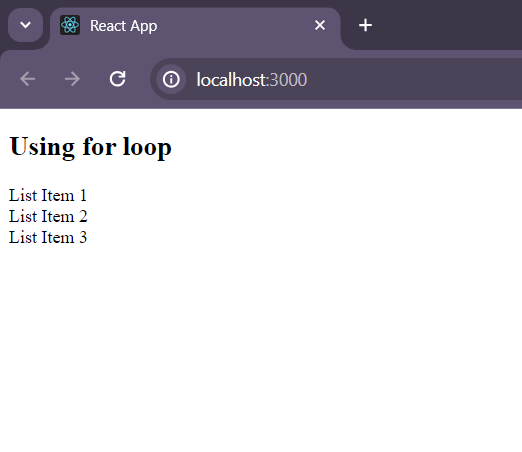
for loop is a control flow statement in JavaScript. It is used to iterate over the items in a array. In this iterator or loop variable will be used to access the array elements.
// USING for Loop

import React from 'react';

const arrayList = ['List Item 1', 'List Item 2', 'List Item 3'];

const UsingForLoop = () => {
    const arrayListComponents = [];
    for (let i = 0; i < arrayList.length; i++) {
        arrayListComponents.push(<div key={i}>{arrayList[i]}</div>);
    }
    return <div>{arrayListComponents}</div>;
};

const App = () => (
  <div>
    <h2>Using for loop</h2>
    <UsingForLoop />
  </div>
);

export default App;
Output
3. Using Array.forEach()
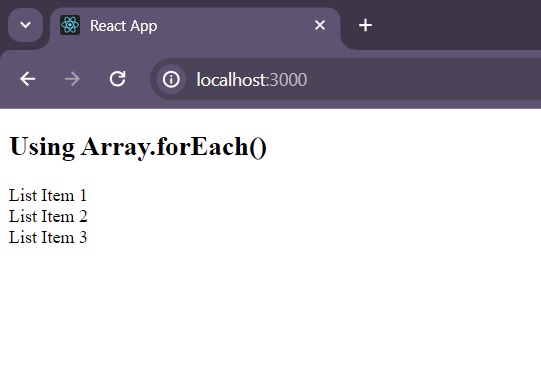
- forEach() function takes a callback function as an argument
- That callback function will be executed for each array item
- callback function takes item and index as argument.
import React from 'react';

const arrayList =
    ['List Item 1', 'List Item 2', 'List Item 3'];

const UsingArrayForEach = () => {
    const arrayListComponents = [];
    arrayList.forEach(
        (item, index) => {
            arrayListComponents.push(
                <div key={index}>
                    {item}
                </div>
            );
        }
    );
    return <div>{arrayListComponents}</div>;
};

const App = () => (
    <div>
        <h2>
            Using Array.forEach()
        </h2>
        <UsingArrayForEach />
    </div>
);

export default App;
Output
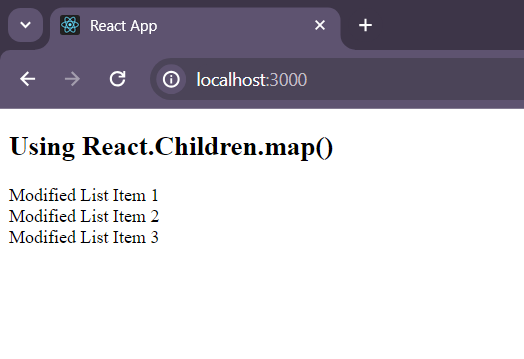
4. Using React.Children.map()
- It is a utility function in React
- It is used to iterate over the child component
- It takes a callback function as an argument
- The callback functions takes child and index as arguments to iterate over the child components and modify it
import React from 'react';

const arrayList = ['List Item 1', 'List Item 2', 'List Item 3'];

const UsingReactChildrenMap = ({ children }) => {
    const modifiedChildren =
        React.Children.map(children, (child, index) => (
            <div key={index}>Modified {child}</div>
        ));
    return <div>{modifiedChildren}</div>;
};

const App = () => (
    <div>
        <h2>
            Using React.Children.map()
        </h2>
        <UsingReactChildrenMap>
            <div style={
                {
                    display: 'inline-block',
                    marginRight: '10px'
                }}>
                {arrayList[0]}
            </div>
            <div style={
                {
                    display: 'inline-block',
                    marginRight: '10px'
                }}>
                {arrayList[1]}
            </div>
            <div style={
                {
                    display: 'inline-block',
                    marginRight: '10px'
                }}>
                {arrayList[2]}
            </div>
        </UsingReactChildrenMap>
    </div>
);

export default App;
Output
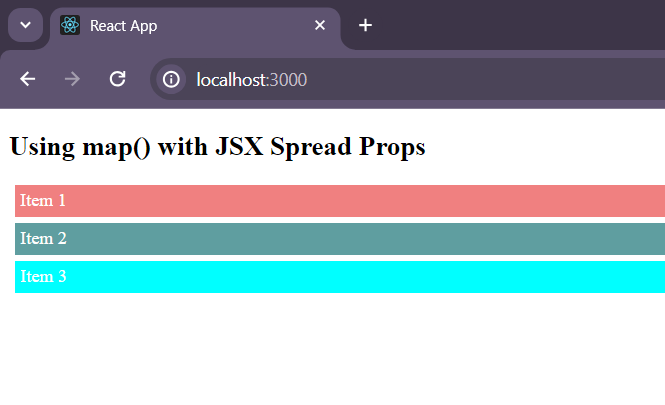
5. Using map() and JSX Spread Attributes
- This method is used to render the components with dynamic props
- In the callback function while rendering the components props will be passed to it
- The callback function take item and index as the argument
import React from 'react';

const araayListWithProps = [
    {
        id: 1,
        name: 'Item 1',
        color: 'lightcoral'
    },
    {
        id: 2,
        name: 'Item 2',
        color: 'cadetblue'
    },
    {
        id: 3,
        name: 'Item 3',
        color: 'cyan'
    }
];

const ArrayListComponent = ({ name, color }) => (
    <div style={
        {
            backgroundColor: color,
            padding: '5px',
            margin: '5px',
            color: 'white'
        }
    }>
        {name}
    </div>
);

const App = () => (
    <div>
        <h2>
            Using map() with JSX Spread Props
        </h2>
        {
            araayListWithProps.map(item => (
                <ArrayListComponent
                    key={item.id} {...item} />
            ))
        }
    </div>
);

export default App;
Output: