
The namedItem() Method is used to return the element with having the specified ID, OR, name or content in an HTML element collection in the document.
Syntax:
HTMLCollection.namedItem(name)
OR
HTMLCollection[name]
Parameters: It contains the name as its parameters values which represent the ID OR name attribute that the user want to return.
Return Value: It returns an Element object, representing the element at with specified ID or name. otherwise, it returns null if the element does not exist.
Example:
<!DOCTYPE html>
<html>

<head>
    <style>
        h1 {
            color: green;
        }
    </style>
</head>

<body>
    <center>
        <h1>GeeksForGeeks</h1>
        <h2>HTMLCollection namedItem() Method</h2>

        <p id="GFG">
          The namedItem() method is used to return
          the content of the element with the specified
          ID or name Attribute values
        </p>


        <button onclick="Geeks()">Submit</button>

        <script>
            function Geeks() {
                var w =
                    document.getElementsByTagName("P").namedItem("GFG");
                alert(w.innerHTML);
            }
        </script>
    </center>
</body>

</html>
Output:
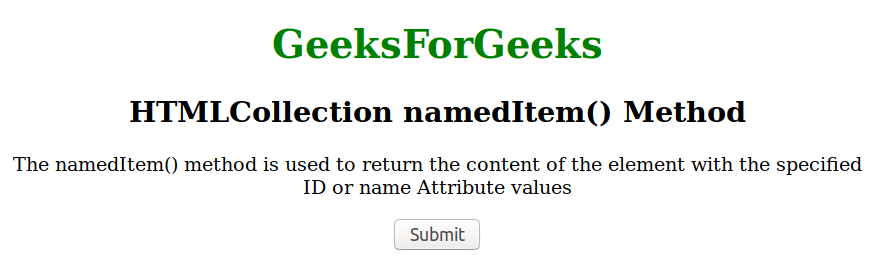
Before clicking the button:
After clicking on Submit:

Supported Browsers: The browser supported by HTMLCollection NAMEDitem() Method are listed below:
- Google Chrome 1
- Edge 12
- Internet Explorer 8
- Firefox 1
- Opera 12.1
- Safari 1