
The rel attribute is used to specify the relationship between the current and the linked document. It is used only when href attribute present.
Supported tags:
The rel attribute is applied to the following elements:
Example of HTML a rel Attribute
<!DOCTYPE html>
<html>
<head>
    <title>HTML a rel Attribute</title>
</head>
<body>
<p>Welcome to
        <a rel="noopener"
        href="https://www.geeksforgeeks.org/">
                GeeksforGeeks
            </a>
    </p>
</body>
</html>
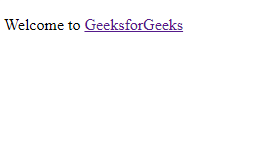
Output:
Example of HTML area rel Attribute
<!DOCTYPE html>
<html>

<head>
    <title>
        HTML area rel Attribute
    </title>
</head>

<body style="text-align:center;">
    <img src=
"https://media.geeksforgeeks.org/wp-content/uploads/20190227165729/area11.png"
        alt="" width="300" height="119" class="aligncenter"
        usemap="#shapemap" />

    <map name="shapemap">

        <!-- area tag contained image. -->
        <area shape="poly" coords="59, 31, 28, 83, 91, 83"
href="https://media.geeksforgeeks.org/wp-content/uploads/20190227165802/area2.png"
            alt="Triangle" rel="alternate">

        <area shape="circle" coords="155, 56, 26"
href="https://media.geeksforgeeks.org/wp-content/uploads/20190227165934/area3.png"
            alt="Circle" rel="alternate">

        <area shape="rect" coords="224, 30, 276, 82"
href="https://media.geeksforgeeks.org/wp-content/uploads/20190227170021/area4.png"
            alt="Square" rel="alternate">
    </map>
</body>

</html>
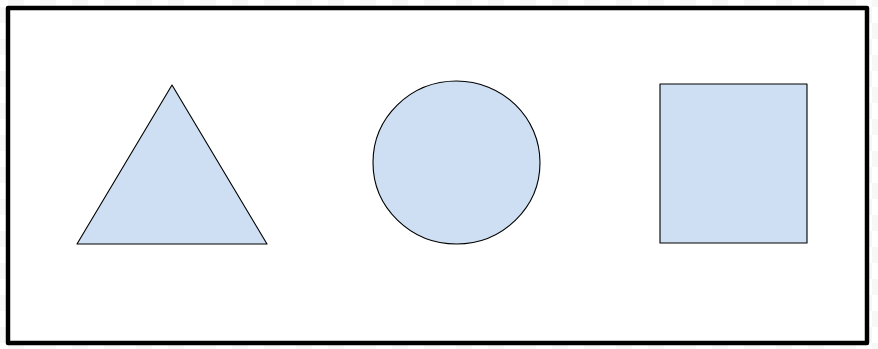
Output:
Before click on specific clickable area:
After click on specific clickable area:

Supported Browsers: The browsers supported by HTML rel Attribute are listed below
- Google Chrome 4.0
- Firefox 4.0
- Apple Safari 4.0
- Opera 10.5
- Internet Explorer/Edge