
The DOM title property is used to return the title of the HTML document and also used to sets the value of the title in the document. This property is used to specify the information about the title.
Syntax:
It is used to return the title property
document.titleIt is used to set the title property
document.title = newTitleProperty: The DOM title property contains the value of a new title which is used to return the title of a document.
Return Value: It returns a string value that represents the value title of the element.
Example 1: In this example, we will DOM title property
<!DOCTYPE html>
<html>

<head>
    <title>DOM title Property</title>
    <style>
        h1 {
            color: green;
        }
    </style>
</head>

<body>
    <h1>GeeksforGeeks</h1>
    <h2>DOM title Property</h2>
    <button onclick="geeks()">
      Submit
      </button>
    <p id="sudo"></p>
    <script>
        function geeks() {
            let x = document.title;
            document.getElementById("sudo").innerHTML = x;
        }
    </script>
</body>

</html>
Output:

Example 2: In this example, we will DOM title property
<!DOCTYPE html>
<html>

<head>
    <title>DOM title Property</title>
    <style>
        h1 {
            color: green;
        }
    </style>
</head>

<body>
    <h1>GeeksforGeeks</h1>
    <h2>DOM title Property</h2>
    <button onclick="geeks()">Submit</button>
    <p id="sudo"></p>
    <script>
        function geeks() {
            document.getElementById("sudo").innerHTML =
                "New DOM Title";
        }
    </script>
</body>

</html>
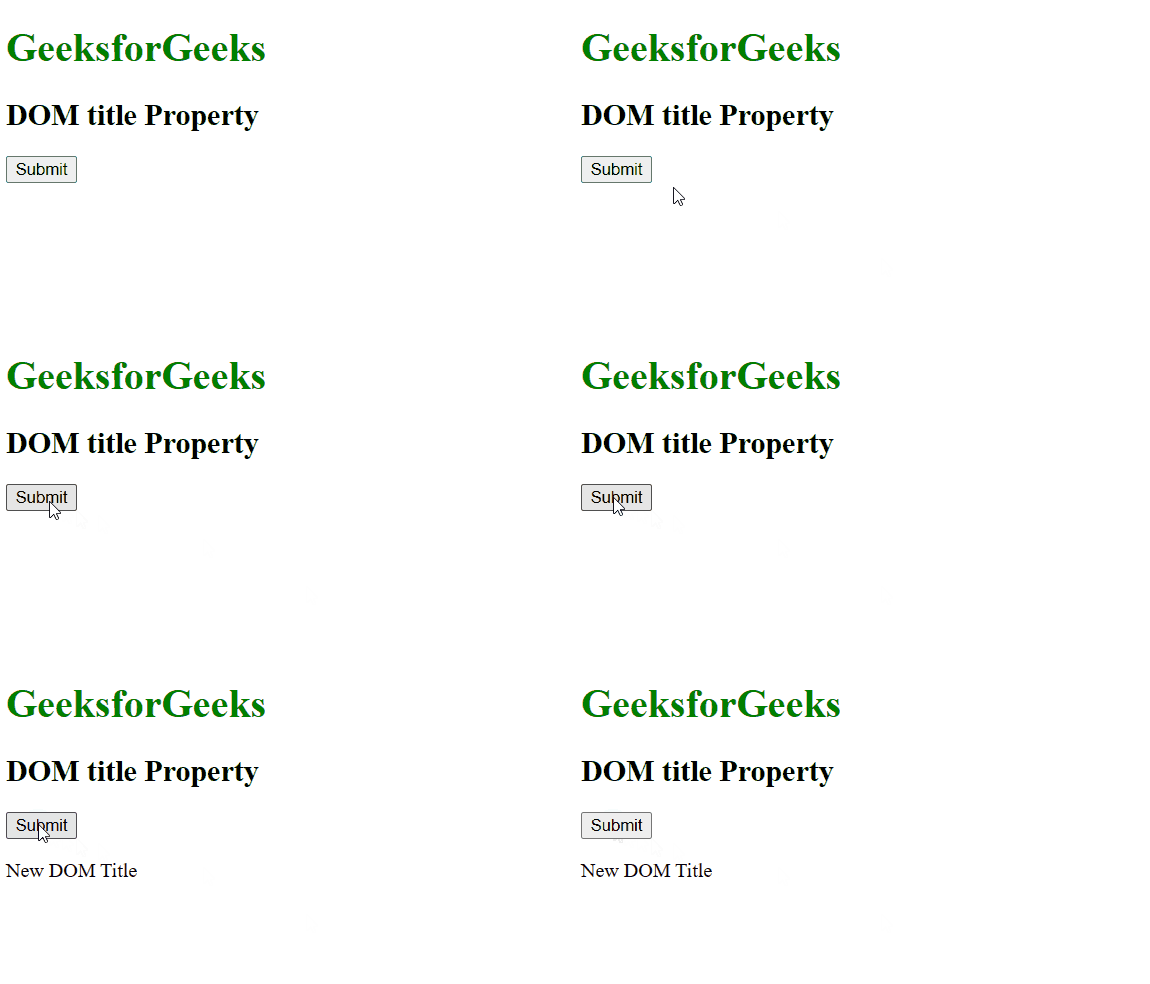
Output:
Supported Browsers: The browser supported by DOM title property are listed below: