
The DOM Style borderRadius Property is used to set or return the four different borderRadius properties such as borderTopRightRadius, borderBottomRightRadius, and borderBottomLeftRadius of an element. It is used to add a rounded corner in an element.
Syntax:
- It is used to get the border radius property.
object.style.borderRadius
- It is used to set the borderRadius property.
object.style.borderRadius = "1-4 length|% / 1-4 length|%
|initial|inherit"
Property values:
- length: This will define the shape of the corner default value is 0.
- %: This will also define the shape of the corner in percentage.
- initial: This will set the property to its default value.
- inherit: This will inherit the property from its parent element.
Return Value: It returns a string value that represents the top, left, and bottom borderRadius of an element.
Example: In this example, we will use DOM Style borderRadius
<!DOCTYPE html>
<html>

<head>
    <title>DOM Style borderRadius Property</title>
    <style>
        h1 {
            color: green;
            font-size: 35px;
        }
        #GFG {
            background: #009900;
            padding: 30px;
            text-align: center;
            width: 300px;
            height: 120px;
        }
    </style>
</head>

<body>
    <center>
        <h1>GeeksForGeeks</h1>
        <h2>DOM Style borderRadius Property</h2>
        <div id="GFG">
            <h2>GeeksforGeeks</h2>
        </div>
        <br>
        <button onclick="Geeks()">Submit</button>

        <script>
            function Geeks() {
                document.getElementById("GFG").style.borderRadius
                    = "25px";
            }
        </script>
    </center>
</body>

</html>
Output:
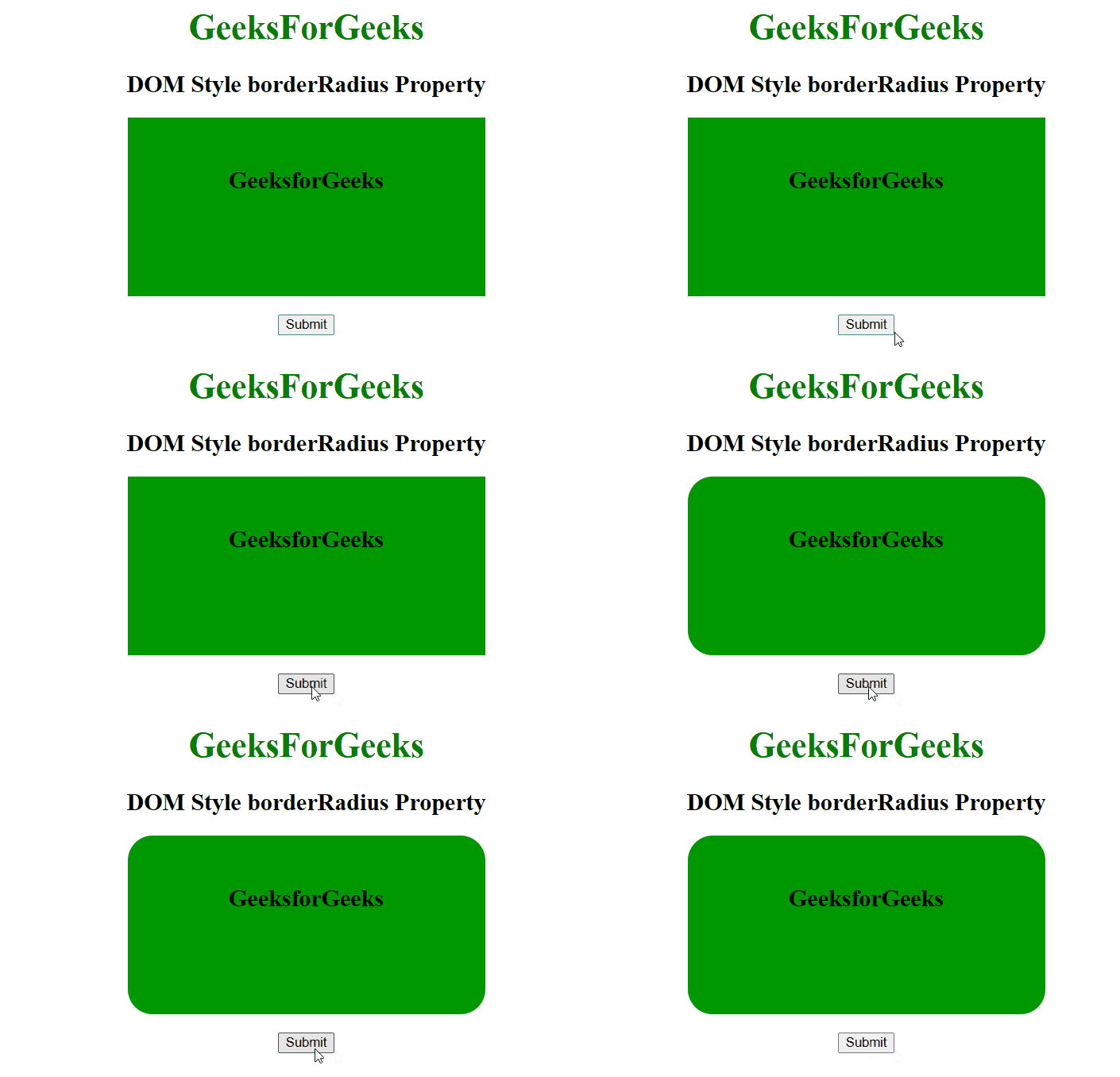
Supported Browsers: The browser supported by DOM Style borderRadius property are listed below:
- Google Chrome 4.0
- Edge 12
- Internet Explorer 9.0
- Firefox 4.0
- Opera 10.5
- Apple Safari 5.0