
The replaceChild() method in HTML DOM is used to replace a child node with a new node within the given parent node.
Syntax:
parentNode.replaceChild( newChild, oldChild )
Parameter Values: This method accepts two parameters which are listed below:
- newChild: It is the required parameter. It represents the new node that needs to be inserted.
- oldChild: It is the required parameter. It represents the node that is replaced by a new node.
Return Value: It returns a node object which represents the replaced node.
Example: In this example, the first <li> text is replaced with the new text.
<!DOCTYPE html>
<html>

<head>
    <title>DOM replaceChild() Method</title>
</head>

<body>
    <h1 style="color: green;">
        GeeksforGeeks
    </h1>
    <h2>
        DOM replaceChild() Method
    </h2>
    <p>Sorting Algorithm</p>
    <ul id="listitem">
        <li>Insertion sort</li>
        <li>Merge sort</li>
        <li>Bubble sort</li>
    </ul>
    <button onclick="Geeks()">
        Click Here!
    </button>

    <script>
        function Geeks() {
            let doc = document.createTextNode("Quick sort");
            let list = document.getElementById("listitem").children[0];
            list.replaceChild(doc, list.childNodes[0]);
        }
    </script>
</body>

</html>
Output:
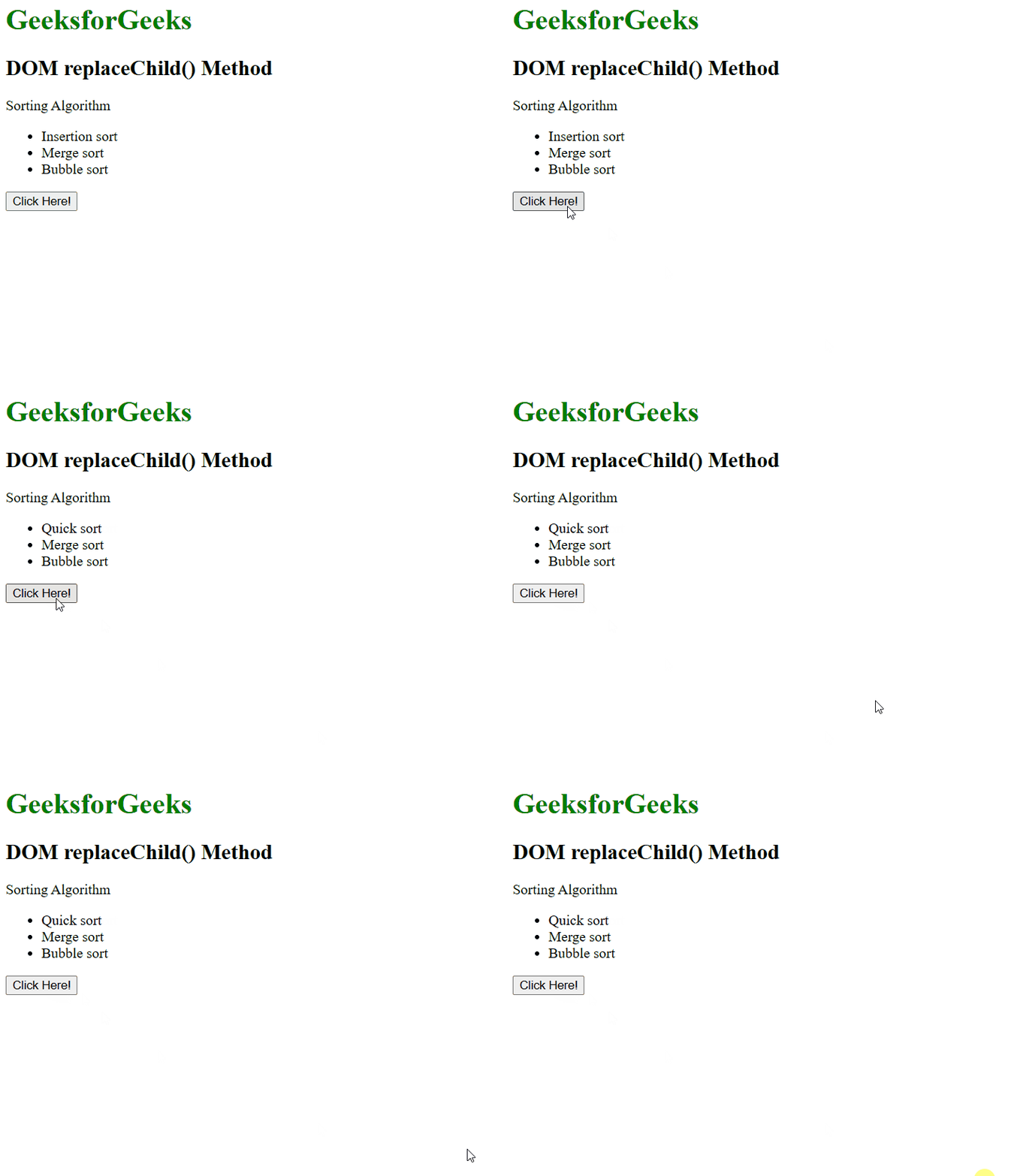
Supported Browsers: The browser supported by DOM replaceChild() method are listed below:
- Google Chrome 1
- Edge 12
- Internet Explorer 6
- Firefox 1
- Opera 7
- Safari 1.1