
The DOM Open() method in HTML is the combination of the following three steps:
- Opens an output stream to collect the output.
- Collects output from the document.write() or document.writeln() methods.
- Runs the document.close to display the output written to the output stream.
Syntax:
document.open( MIMEtype, replace )
Parameter Values: This method accepts two parameters which are listed below:
- MIMEtype: It is the type of document, and it is an optional parameter. The default value of this parameter is "text/html".
- replace: It is an optional parameter. If this value is set then the history entry for the new document is inherit the history entry from the document.
Example 1: In this example, we will use DOM Open() method
<!DOCTYPE html>
<html>
<head>
    <title>DOM open() Method</title>
</head>
<body>
    <p>GeeksforGeeks</p>
    <button onclick="Geeks()">
        Click Here!
    </button>
    <script>
        function Geeks() {
            /* DOM open() method used here */
            document.open("text/html", "replace");
            document.write("Welcome to GeeksforGeeks");
            document.close();
        }
    </script>
</body>
</html>
Output:
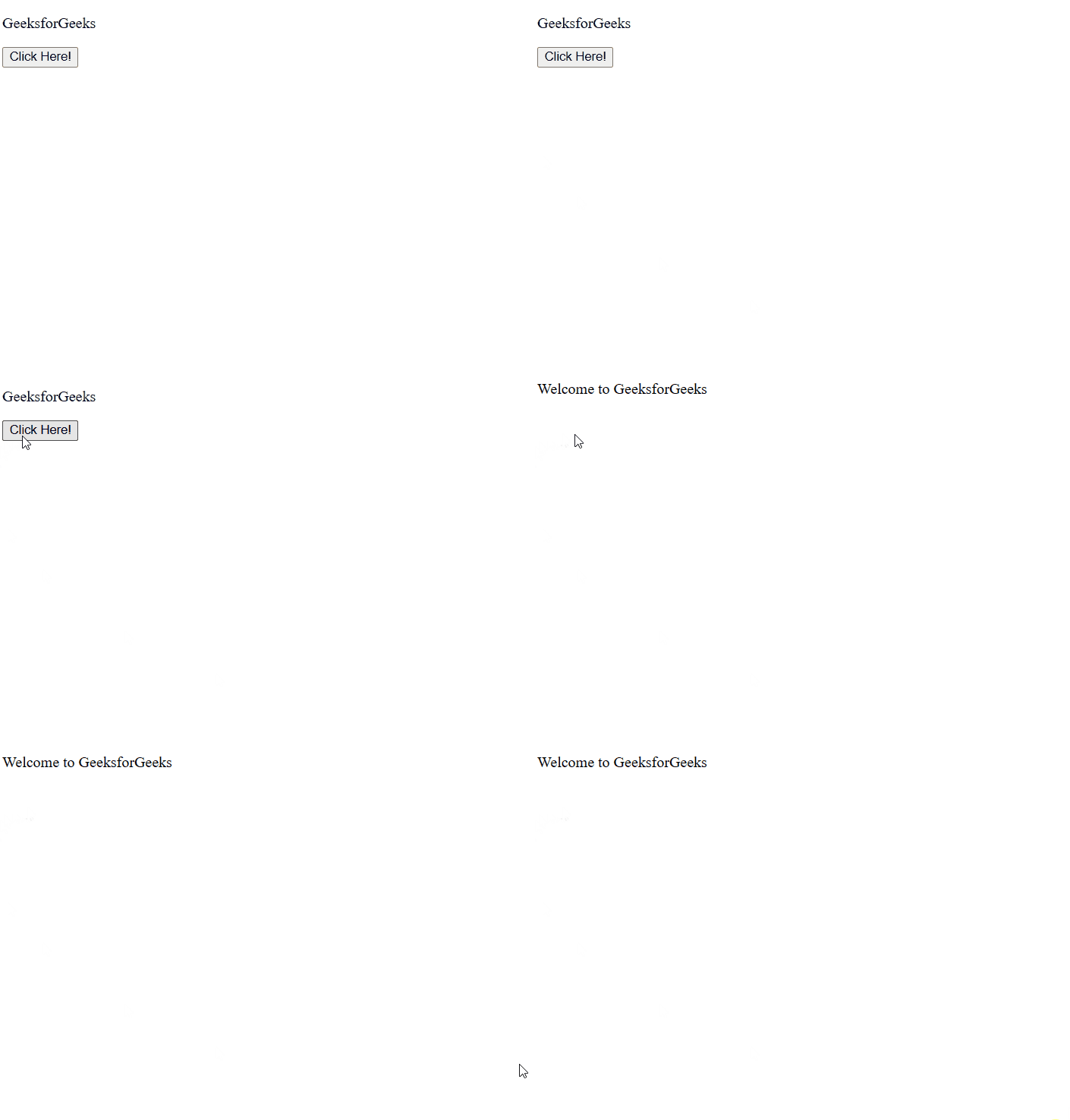
Example 2: This example displays the output in a new window.
<!DOCTYPE html>
<html>
<head>
    <title>DOM open() Method</title>
</head>
<body>
    <p>GeeksforGeeks</p>
    <button onclick="Geeks()">
        Click Here!
    </button>
    <script>
        function Geeks() {
            let x = window.open();
            /* DOM open() method used here */
            x.document.open("text/html", "replace");
            x.document.write("Welcome to GeeksforGeeks");
            x.document.close();
        }
    </script>
</body>
</html>
Output:
Supported Browsers: The browser supported by the DOM open() method is listed below:
- Google Chrome 64
- Edge 12
- Internet Explorer 4
- Firefox 1
- Opera 51
- Safari 11