
The Location protocol property in HTML is used to return the protocol or set the protocol of the current URL. It returns a string that contains the protocol of the current URL, including the colon (:).
Syntax:
- It returns the protocol property.
location.protocol- It is used to set the protocol property.
location.protocol = protocolProperty Value: This method accepts single value protocol of string type. It is used to set the protocol of the URL. The possible value of protocols is- file:, ftp:, http:, https: etc.
Return Value: It returns a string value that represents the protocol of the current URL, including the colon (:)
Example: The below program illustrates the Location protocol property in HTML
<!DOCTYPE html>
<html>

<head>
    <title>DOM Location protocol Property</title>
    <style>
        h1 {
            color: green;
        }
    </style>
</head>

<body>
    <h1>GeeksforGeeks</h1>
    <h2>DOM Location protocol Property</h2>
    <p>
        For returning the protocol of the
        current URL, double click the
        "Return Protocol" button:
    </p>
    <button ondblclick="myprotocol()">
        Return Protocol
    </button>
    <p id="pro"></p>
    <script>
        function myprotocol() {
            let p = location.protocol;
            document.getElementById("pro").innerHTML = p;
        }
    </script>
</body>

</html>
Output:
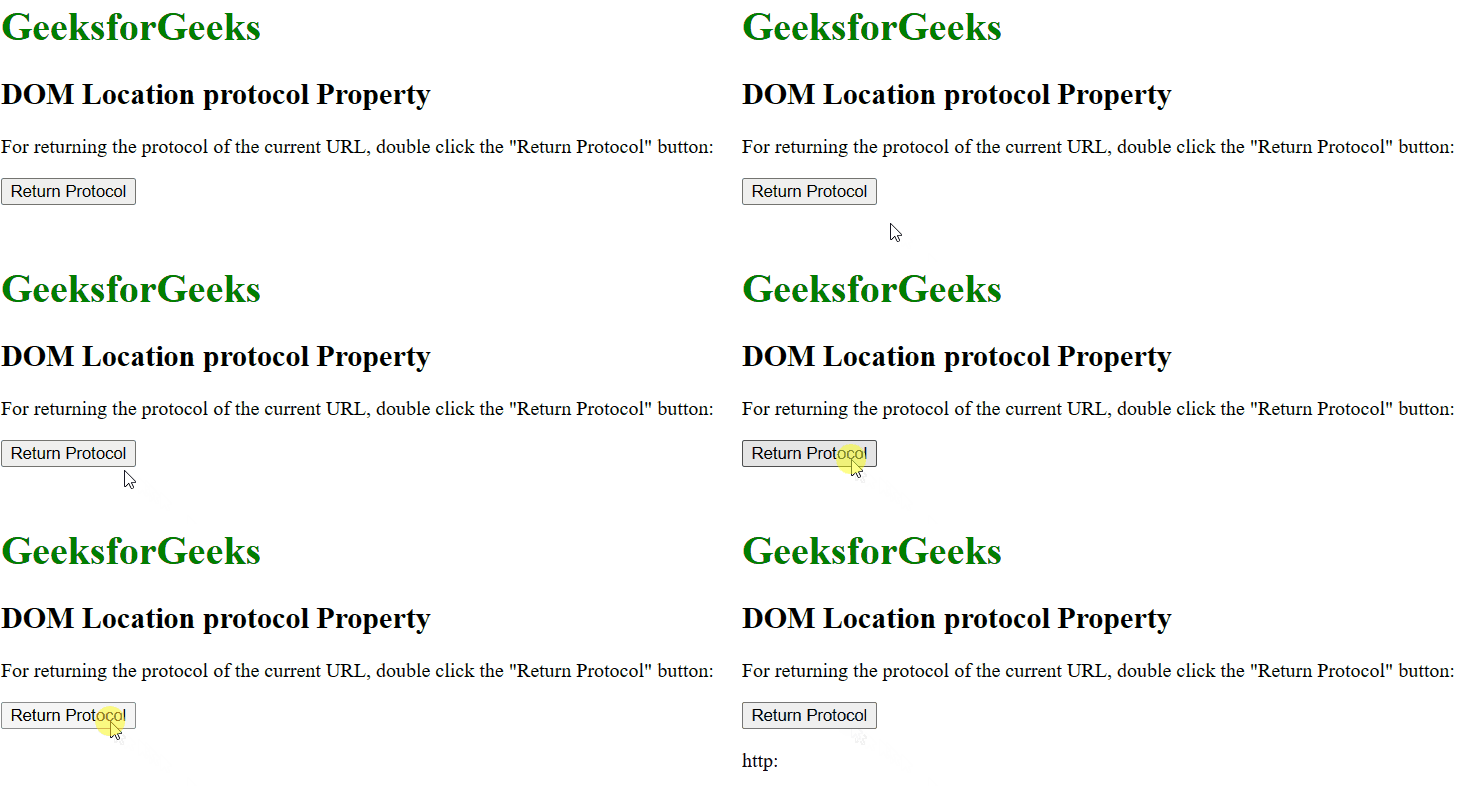
Supported Browsers: The browser supported by the Location protocol property are listed below:
- Google Chrome 1
- Edge 12
- Firefox 1
- Opera 12.1
- Safari 1