
The fullscreenElement property in HTML is used to return the element that is currently in fullscreen. This property may require specific prefixes to work with different browsers.
Syntax:
document.fullscreenElementReturn Value: Returns the element that is currently in full-screen mode, or null if full-screen mode is not available.
Example: In this example, we will see the use of fullscreenElement property.
<!DOCTYPE html>
<html>

<head>
    <title>fullscreenElement method</title>
</head>

<body>
    <h1 style="color: green">GeeksForGeeks</h1>
    <p><b>fullscreenElement method</b></p>
    <p>The current fullscreen element will
        appear in the console after 5 seconds.</p>
    <img id="image" src=
"https://media.geeksforgeeks.org/wp-content/uploads/sample_image.png" />
    <br>
    <button onclick="goFullScreen();">Go fullscreen</button>
    <script>
        /* Log the element currently in fullscreen */
        function checkFullscreenElement() {
            console.log(
                /* Standard syntax */
                document.fullscreenElement ||
                /* Chrome, Safari and Opera syntax */
                document.webkitFullscreenElement ||
                /* Firefox syntax */
                document.mozFullScreenElement ||
                /* IE/Edge syntax */
                document.msFullscreenElement
            )
        }
        /* Call this function after 5 seconds,
        as we cannot click any button to execute
        this function while in fullscreen */
        setTimeout(checkFullscreenElement, 5000);
        /* Go fullscreen */
        function goFullScreen() {
            if (
                /* Standard syntax */
                document.fullscreenEnabled ||

                /* Chrome, Safari and Opera syntax */
                document.webkitFullscreenEnabled ||

                /* Firefox syntax */
                document.mozFullScreenEnabled ||

                /* IE/Edge syntax */
                document.msFullscreenEnabled
            ) {
                elem = document.querySelector('#image');
                /* Try to go Fullscreen */
                elem.requestFullscreen();
            } else {
                console.log('Fullscreen is not available currently.')
            }
        }
    </script>
</body>

</html>
Output:
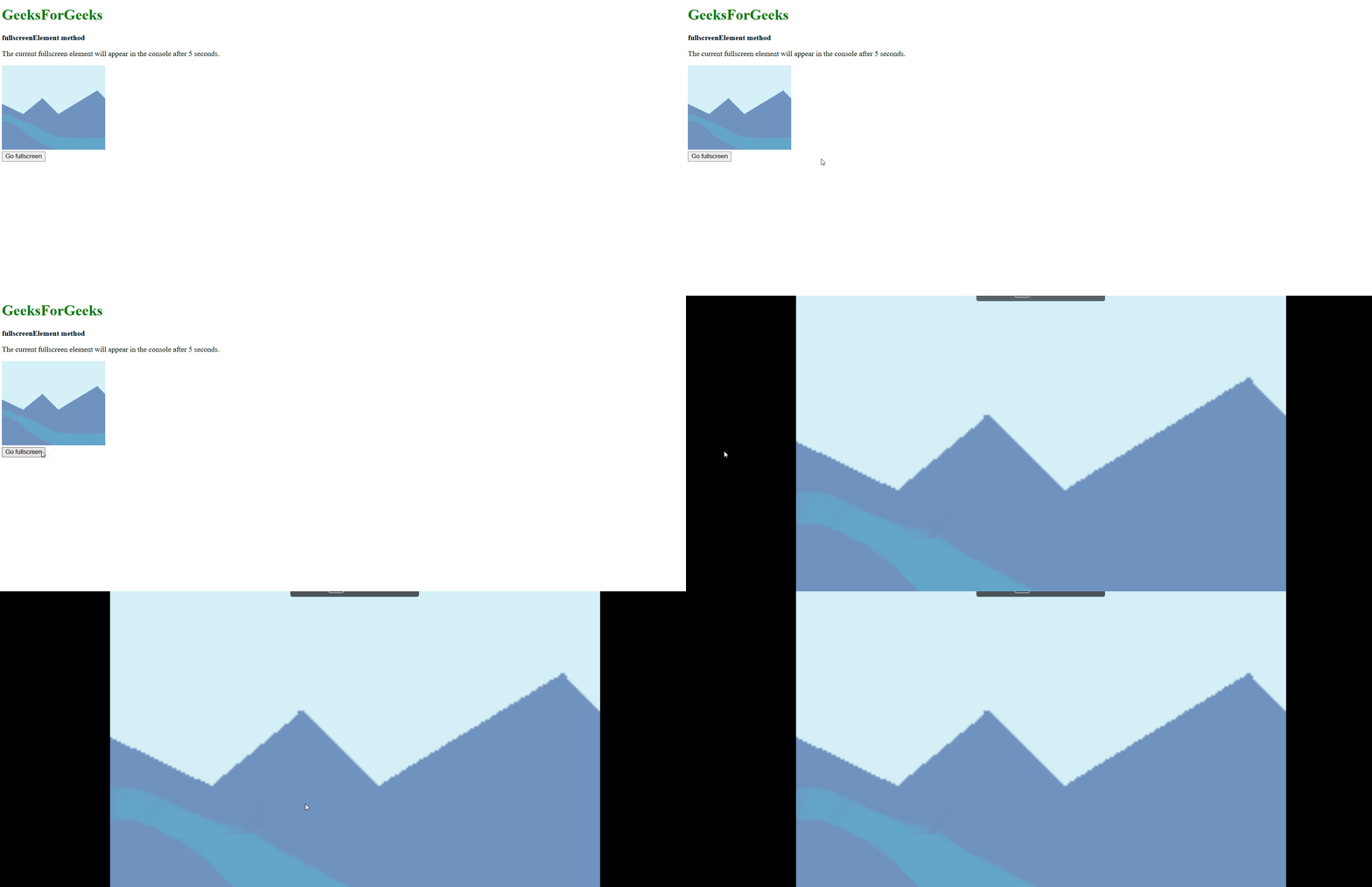
Supported Browsers: The browser supported by fullscreenElement property are listed below: