
The console.time() method in HTML is used to start a timer in the console view. The console.time() method can be used for calculating the time of programs for various testing purposes. The label is sent as a parameter to the console.time() method.
Syntax:
console.time( label )Parameters: This method accepts a single parameter label which is optional and used to specify the label of the timer.
Example 1: Below programs illustrate the console.time() method in HTML.
<!DOCTYPE html>
<html>

<head>
    <title>DOM console.time() Method in HTML</title>
    <style>
        h1 {
            color: green;
        }
    </style>
</head>

<body>
    <h1>GeeksforGeeks</h1>
    <h2>DOM console.time() Method</h2>
    <p>
        To view the message in the console
        press the F12 key on your keyboard.
    </p>
    <p>
        To view the time taken by a for loop
        to run 100 times, double click the
        button below:
    </p>
    <br>
    <button ondblclick="table_time()">
        RUN TIMER
    </button>
    <script>
        function table_time() {
            console.time();
            for (i = 0; i < 100; i++) {
                // Random code
            }
            console.timeEnd();
        }
    </script>
</body>

</html>
Output:
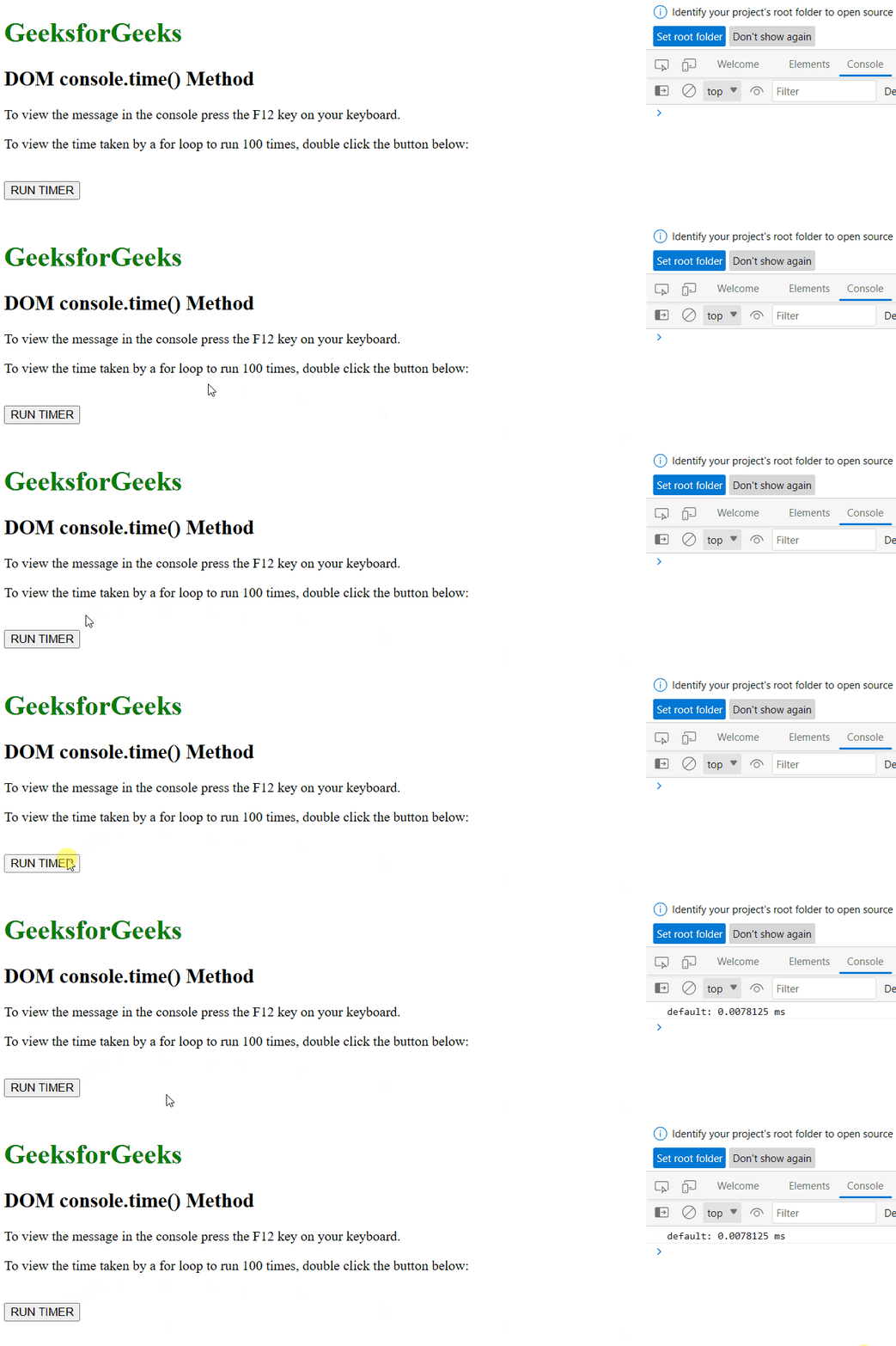
Example 2: Calculate the time taken by a while loop using console.time() method
<!DOCTYPE html>
<html>

<head>
    <title>DOM console.time() Method in HTML</title>
    <style>
        h1 {
            color: green;
        }
    </style>
</head>

<body>
    <h1>GeeksforGeeks</h1>
    <h2>DOM console.time() Method</h2>
    <p>
        To view the message in the console
        press the F12 key on your keyboard.
    </p>
    <p>
        To view the time taken by a for loop
        to run 100 times, double click the
        button below:
    </p>
    <br>
    <button ondblclick="table_time()">
        RUN TIMER
    </button>
    <script>
        function table_time() {
            i = 0;
            console.time
                ("While loop for 100 iterations");
            while (i < 100) {
                i++;
            }
            console.timeEnd
                ("While loop for 100 iterations");
        }
    </script>
</body>

</html>
Output:
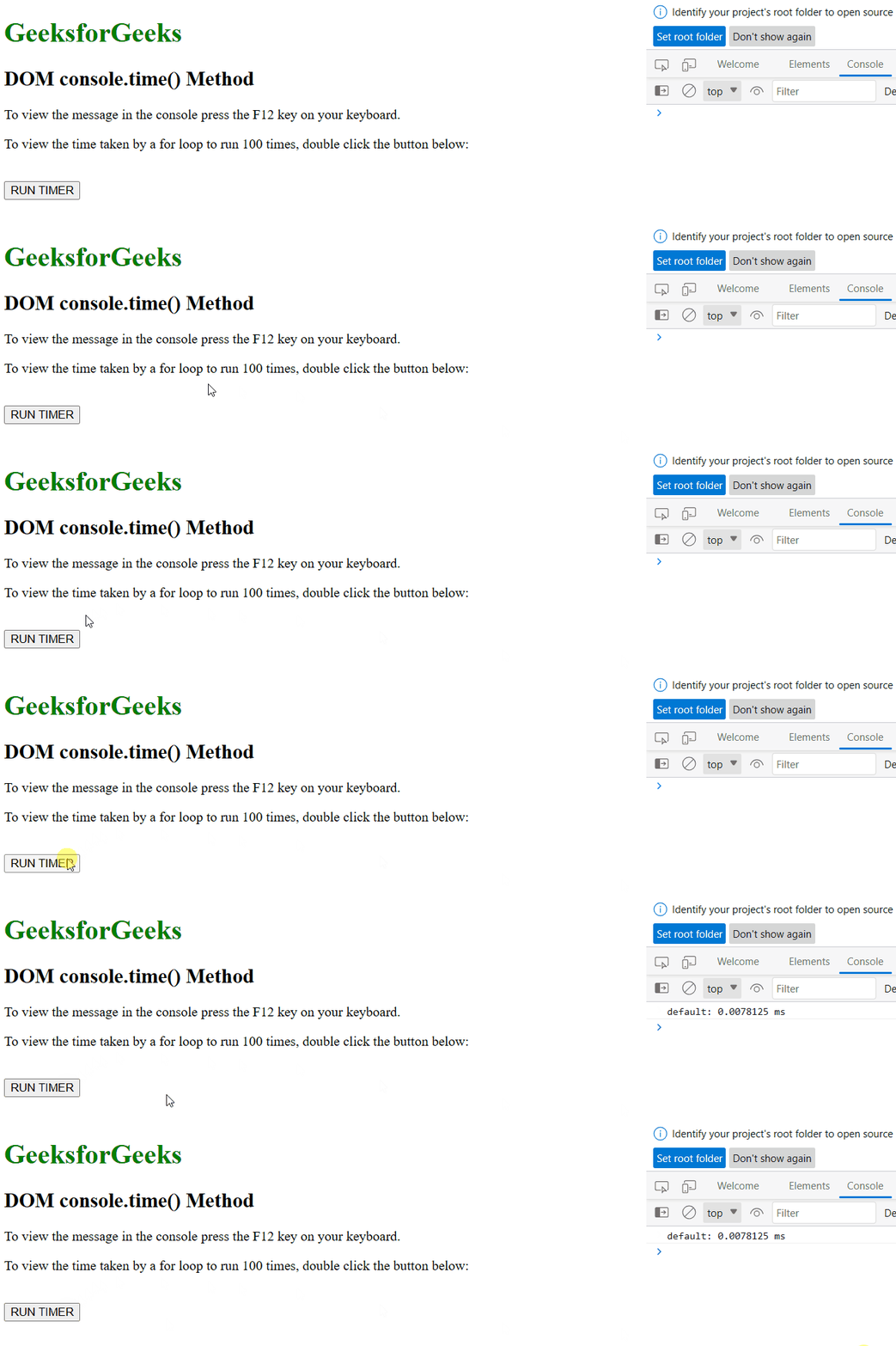
Supported Browsers: The browser is supported by the console.time() Methods are listed below: