
The console.info() method in HTML is used for writing a message in the console. It indicates an important message about any element or object. The message is sent as a parameter to the console.info() method.
Syntax:
console.info( message )Parameters: This method accepts a single parameter message which is mandatory and used to specify the information to be written on the console.
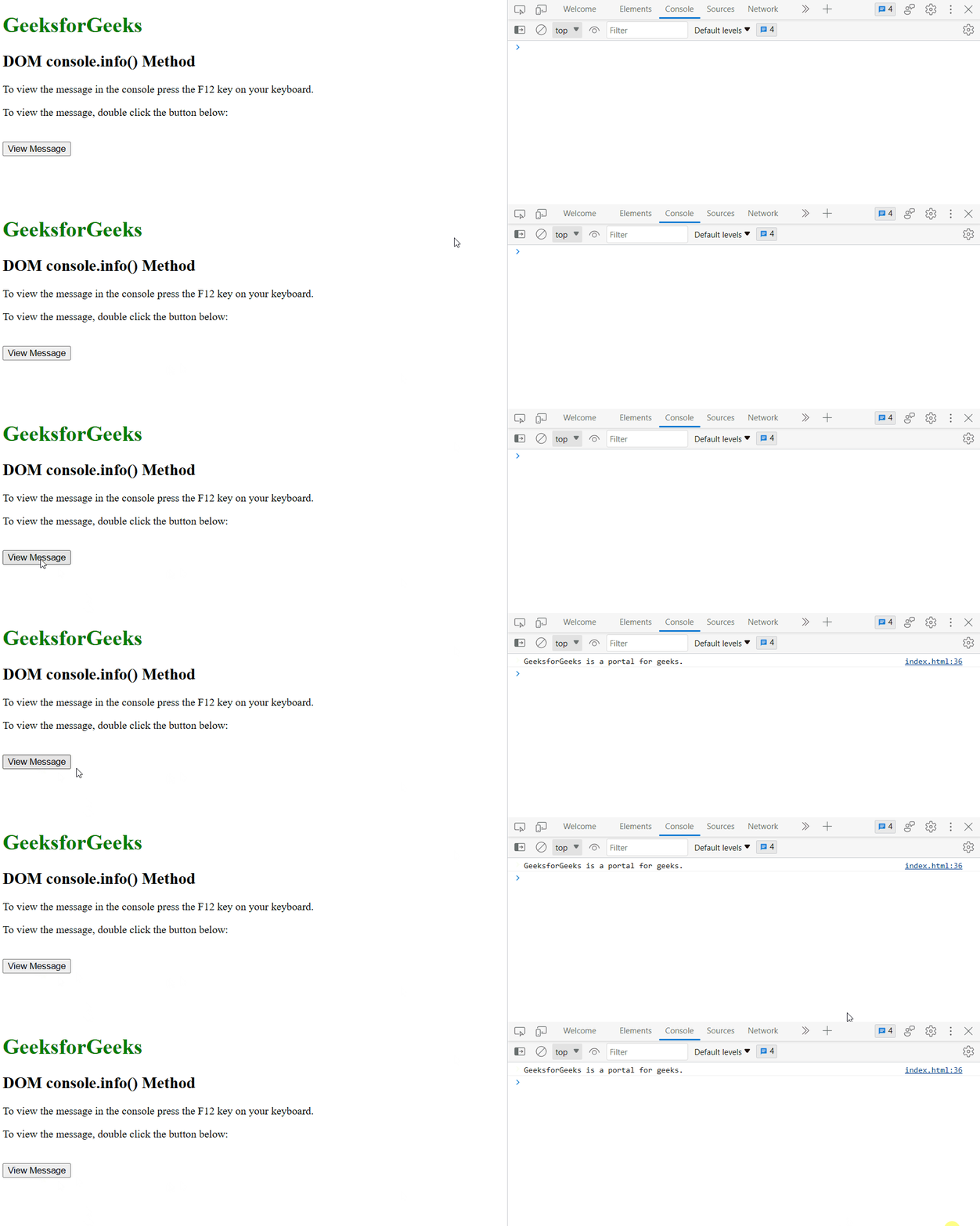
Example 1: Below program illustrate the DOM console.info() method in HTML:
<!DOCTYPE html>
<html>

<head>
    <title>DOM console.info() Method</title>
    <style>
        h1 {
            color: green;
        }
    </style>
</head>

<body>
    <h1>GeeksforGeeks</h1>
    <h2>DOM console.info() Method</h2>
    <p>
        To view the message in the console press the F12
        key on your keyboard.
    </p>
    <p>
        To view the message, double click the button below:
    </p>
    <br>
    <button ondblclick="info_console()">
        View Message
    </button>
    <script>
        function info_console() {
            console.info
                ("GeeksforGeeks is a portal for geeks.");
        }
    </script>
</body>

</html>
Output:
Example 2: Displaying an object while using the DOM console.info() method
<!DOCTYPE html>
<html>

<head>
    <title>DOM console.info() Method</title>
    <style>
        h1 {
            color: green;
        }
    </style>
</head>

<body>
    <h1>GeeksforGeeks</h1>
    <h2>DOM console.info( ) Method</h2>
    <p>
        To view the message in the console
        press the F12 key on your keyboard.
    </p>
    <p>
        To view the message, double click the button below:
    </p>
    <br>
    <button ondblclick="info_console()">
        View Message
    </button>
    <script>
        function info_console() {
            let MyElement =
                { Product: "Coca Cola", Type: "Beverage" };
            console.info(MyElement);
        }
    </script>
</body>

</html>
Output:

Supported Browsers: The browser supported by the DOM console.info() method are listed below: