
Conda is a powerful package management system that simplifies managing and deploying packages, especially for scientific computing. However, there are instances when you might need a package that is unavailable in the default Anaconda repository. This article will walk through various methods to install such packages.
What is Conda and Anaconda?
Conda is an open-source package management system and environment management system that runs on Windows, macOS, and Linux. Conda quickly installs, runs, and updates packages and their dependencies.
Anaconda is a distribution of the Python and R programming languages for scientific computing, that aims to simplify package management and deployment. The Anaconda distribution includes Conda, Conda Build, Python, and various scientific packages.
Installing Non Pre-Installed Packages in Anaconda
When a package is not available in the default Anaconda repository, you can turn to other sources such as conda forge or python package manager pip, and many more. Let us see a few of them and how we can use them to install packages in Anaconda. But before installing the package, make sure you have Anaconda installed on your system. Open Anaconda Prompt to write the command to execute the package installation.
Using Conda-forge Channel
Conda-forge is a community-driven collection of recipes, build infrastructure and distributions for the conda package manager. It often provides more up-to-date or additional packages than the default Anaconda repository.
conda install -c conda-forge <package_name>
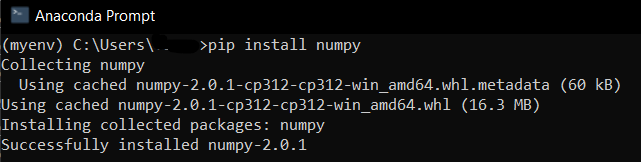
Using Pip
Pip is the package installer for Python. If a package is not available via conda, you can use pip within your conda environment.
conda install pip
pip install <package_name>
Adding Custom Channels
If a package is available in a custom channel, you can add and use that channel.
conda install -c <channel_name> <package_name>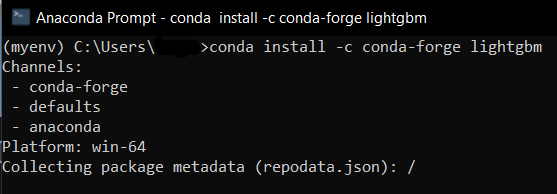
Building from Source
When packages are not available via conda or pip, you might need to build them from source.
git clone https://github.com/<repository>/<package>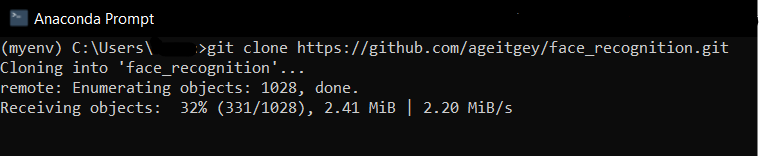
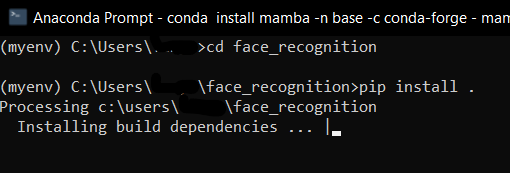
cd <package>
pip install .
Using Mamba
Mamba is a fast, cross-platform package manager compatible with conda that efficiently handles package dependencies.
conda install mamba -n base -c conda-forge
mamba install <package_name>

Using Bioconda
For bioinformatics packages, the Bioconda channel is particularly useful.
conda install -c bioconda <package_name>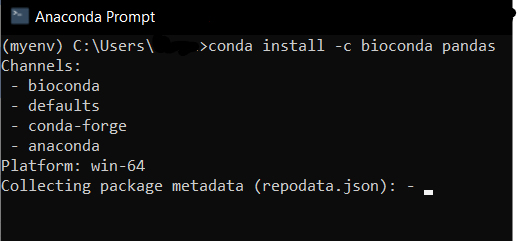
Notes:
- Dependency Management: Always be cautious about dependencies when mixing conda and pip. It is often recommended to use pip only after exhausting all conda options.
- Environment Isolation: Create a new environment to avoid conflicts with existing packages
conda create -n new_env
conda activate new_env
Conclusion
Installing packages not available in the default Anaconda repository can be done using several methods, including using conda-forge, pip, custom channels, building from source, and using Mamba. By following these steps, you can effectively manage and install the necessary packages for your projects.