• 1 Post
  • 35 Comments
Joined 1 year ago
Aquileo | cake
Cake day: June 25th, 2025

Aquileo | help-circle

  • Xbox controllers ship with a firmware bug out of the box (thanks microslop!), you need to update the firmware to make them work properly on Linux, but it needs to be done through windows as explained in this section in the Arch Wiki. EDIT: you still need to install the xpadneo driver once your firmware is updated.

    A decent option for those of us that don’t have and don’t want to have windows around is to bring your controller with you to a computer shop, along with a usb cable, and use one of the demo computers to update it.

    If spending money is an option, a lot of people already recommended 8bitdo controllers, I can only say I agree with that. I have the ultimate 2c, which is about ~30 eur, comes with hall effect joysticks, so no stick drift ever, and uses a dongle for the wireless connection, with an option to use bluetooth as well. Plus they come in some really pretty color combinations. Hard to beat that for the money.




  • The CPU is alright and the RAM should be sufficient for most tasks.

    There are a couple of things that could impact performance here, first the SSD could be on its way out, or slow to begin with, so maybe post some info on that.

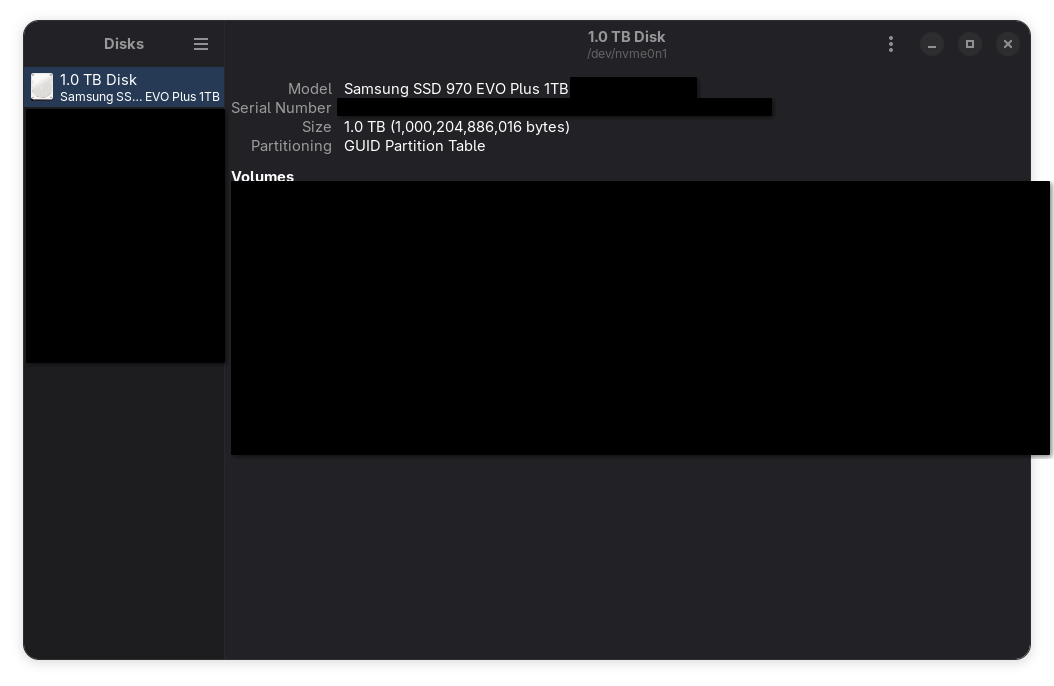
    You can use gnome disks to get more information on your ssd, here’s a screenshot on my system, with some information obscured. The model name should be enough.

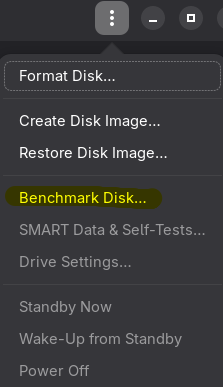
    You can benchmark the SSD using either gnome disks again, as shown here:

    Or alternatively you can use KDiskMark. Give us some numbers, maybe it’s gonna be as simple as replacing your SSD.

    Another thing that could make your system feel sluggish, since you lament little freezes happening, is Plasma itself. I know what I said about desktop environment havyness, and I still stand by it: it’s not that Plasma is “heavier” or anything like that, it’s just that some of its code is not very well optimized and with slower drives it can show. Brodie Robertson made a video about this a couple of years ago, see if what he describes matches your problem, but consider that this is old information at this point and while some of these issues might still exist, they might have already been fixed.


  • Depending on a usecase you might find that many of your “entrypoint functions” might all share the same error type. For example, if you’re making an API backend it’s likely gonna be something a status code and a message.

    In that case a simple way to avoid having to pattern match every single error is to implement From<DownstreamErrorType> for MyErrorEnum, and just use the ? operator. Example:

    fn do_something_with_database() -> Result<Whatever, DatabaseError> { /* ... */ }
    
    impl From<DatabaseError> for MyErrorType { /* ... */ }
    
    // this would be your function
    fn api_get_something() -> Result<SomeOtherType, MyErrorType> {
        let data: Whatever = do_something_with_database()?;
        // ...
        Ok(/* ... */)
    }
    

    EDIT: this is mentioned in the article already


  • This reads like quite a different workflow, but AFAIK the standard in both x and wayland for inserting special characters is using a compose key. You can set up a key as the compose key in the keyboard settings of any de/wm/compositor (right alt in my case) and use it in a key sequence to assemble special characters. I use it all the time to type italian accent characters on a us keyboard and it’s always dependable and quite intuitive even for characters I don’t regularly use.

    Some examples:

    • compose a "ä
    • compose e 'é
    • compose c ,ç
    • compose o o°
    • compose - >

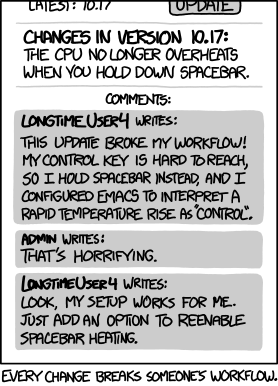
    I’m not saying your use case is invalid, but it falls well into unsupported territory I feel like, and reminds me of this.

    xkcd 1172 - "Workflow"

    This said, there must be a way for an application to simulate input, that’s what virtual keyboards do, including steam’s virtual keyboard which is not integrated in the desktop environment, so your workflow can likely be replicated. You might need to spend some time finding the right tool for it, or possibly creating your own, but wayland and plasma wayland in particular have all the bits in place to make this happen.