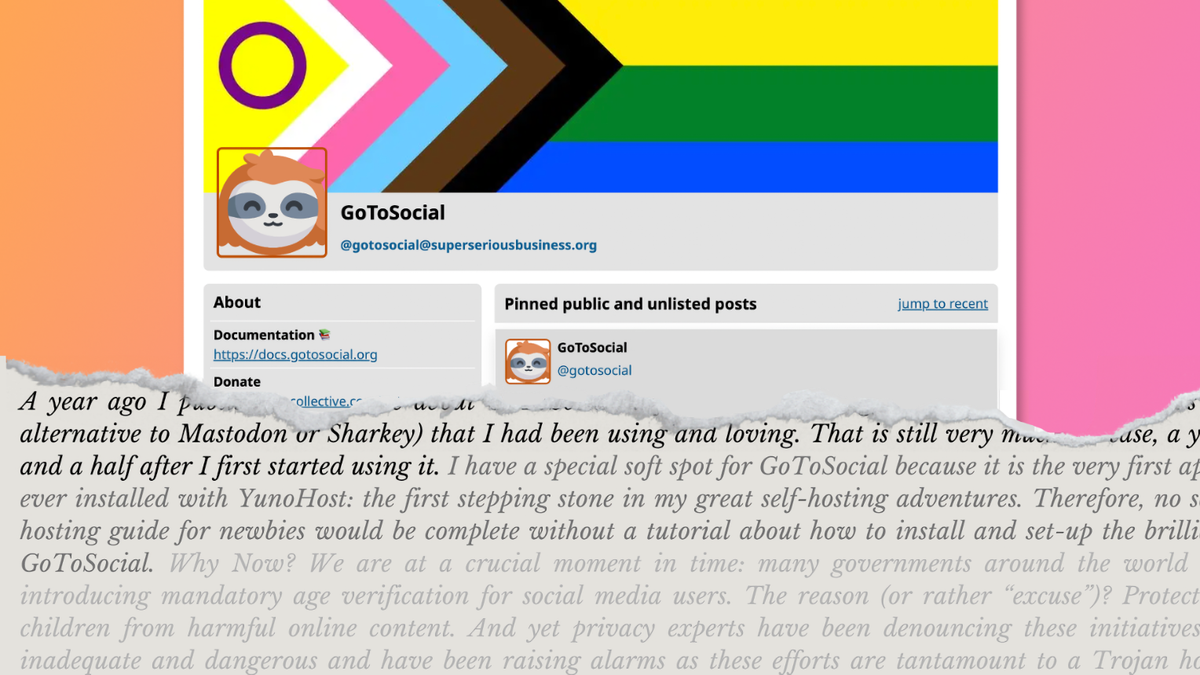
A step-by-step visual tutorial for newbies about installing and setting up the federated microblogging service GoToSocial
I’ve been running a bunch of stuff with Yunohost for a while. They cover most fediverse software. I do have some things to add here though.
-
You don’t need to configure DNS for your subdomain. I’m not going to pretend to understand how this works but I did not do anything and it works fine. Yunohost handles it somehow.
-
You will need a frontend to use GTS. Yunohost also provides packages for Phanpy (my personal favorite) and Elk. Or you can just use your favorite Mastodon phone app.
-
GTS is very unique even amongst Yunohost packages in that it provides a ton of graphical dropdown configuration options that makes it even easier to use. I believe this one has first-party support from GTS devs but can’t say for sure because I’ve been blocked by Codeberg for the last several weeks.
-
Yunohost is pretty amazing at making it simple to run your own fediverse instance. They have Lemmy, PieFed and more in there.
I wouldn’t use it for anything that would have tons of users because for that you’re going to want to get your hands dirty occasionally to tune it up in ways that Yunohost could make impossible(?) but for an individual or small group it’d be perfect.
I had set it up once (GoToSocial), but I missed the local part of my Mastodon instance. I think a couple thousand users on an instance that are geographically close to each other is a real strength of the microblogging fediverse.
And now with PieFed getting better at following microblogging accounts, I see no need to set up GoToSocial again. Thank you for that :)
https://aseachange.com/@elena Excellent article. Gts is one of my most stable fediverse projects. My self hosted solution in multiple years old now.