jQWidgets is a JavaScript framework for making web-based applications for PC and mobile devices. It is a very powerful, optimized, platform-independent, and widely supported framework. The jqxButton is used to illustrate a jQuery button widget that enables us to show a button on the desired web page.
The disabled property is used to enable or disable the desired button. It is of type Boolean and its default value is false.
Syntax:
- To set the disabled property.
$('#jqxButton').jqxButton({disabled: false });- To get the disabled property.
var disabled = $('#jqxButton').jqxButton('disabled');
Linked Files: Download jQWidgets from the link. In the HTML file, locate the script files in the downloaded folder.
<link rel=”stylesheet” href=”jqwidgets/styles/jqx.base.css” type=”text/css” />
<script type=”text/javascript” src=”scripts/jquery-1.11.1.min.js”></script>
<script type=”text/javascript” src=”jqwidgets/jqxcore.js”></script>
<script type=”text/javascript” src=”jqwidgets/jqxbuttons.js”></script>
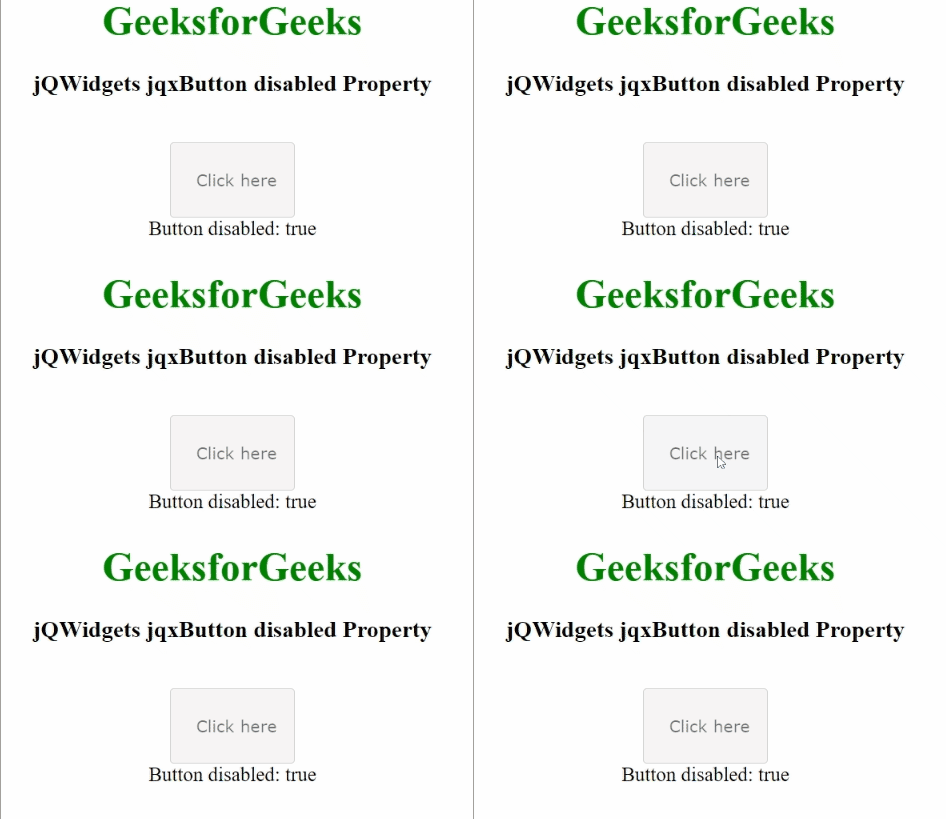
Example: The below example illustrates the jqxButton disabled property in jQWidgets.
<!DOCTYPE html>
<html>

<head>
    <link rel="stylesheet" href=
        "jqwidgets/styles/jqx.base.css" type="text/css" />
    <script type="text/javascript"
        src="scripts/jquery-1.11.1.min.js"></script>
    <script type="text/javascript"
        src="jqwidgets/jqxcore.js"></script>
    <script type="text/javascript"
        src="jqwidgets/jqxbuttons.js"></script>
</head>

<body>
    <center>
        <h1 style="color: green;">
            GeeksforGeeks
        </h1>
        <h3>
            jQWidgets jqxButton disabled Property
        </h3>
        <br />
        <input type="button" id="jqxBtn"
            style="padding: 5px 20px;"
            value="Click here" />
        <div id="log"></div>
    </center>

    <script type="text/javascript">
        $(document).ready(function () {
            $("#jqxBtn").jqxButton({
                width: "100px",
                height: "60px",
                disabled: true,
            });

            var d = $("#jqxBtn").jqxButton("disabled");
            $("#log").text("Button disabled: " + d);
        });
    </script>
</body>

</html>
Output: