
In HTML document, the document.hasfocus() the method is used for indicating whether an element or document has the focus or not. The function returns a true value if the element is focused otherwise false is returned. This method can be used to determine whether the active element is currently in focus.
Syntax:
document.hasfocus();
Parameters: This method has no parameters.
Return Value: The hasfocus() method returns a Boolean value indicating whether an element or document has focus or not.
The below examples illustrate the HTML DOM hasfocus() method:
Example 1: This example illustrates whether the document has a focus or not.
<!DOCTYPE html>
<html>
<title>
    HTML DOM hasFocus() Method
</title>
<body>
    <p>
        Click anywhere in the document to
        test hasfocus() function.
    </p>
    <p id="para"></p>
    <script>
        setInterval("hasfocustest()", 1);
        function hasfocustest() {
            let x = document.getElementById("para");
            if (document.hasFocus()) {
                x.innerHTML =
                    "The document has focus.";
            } else {
                x.innerHTML =
                    "The document DOES NOT have focus.";
            }
        }
    </script>
</body>
</html>
Output:
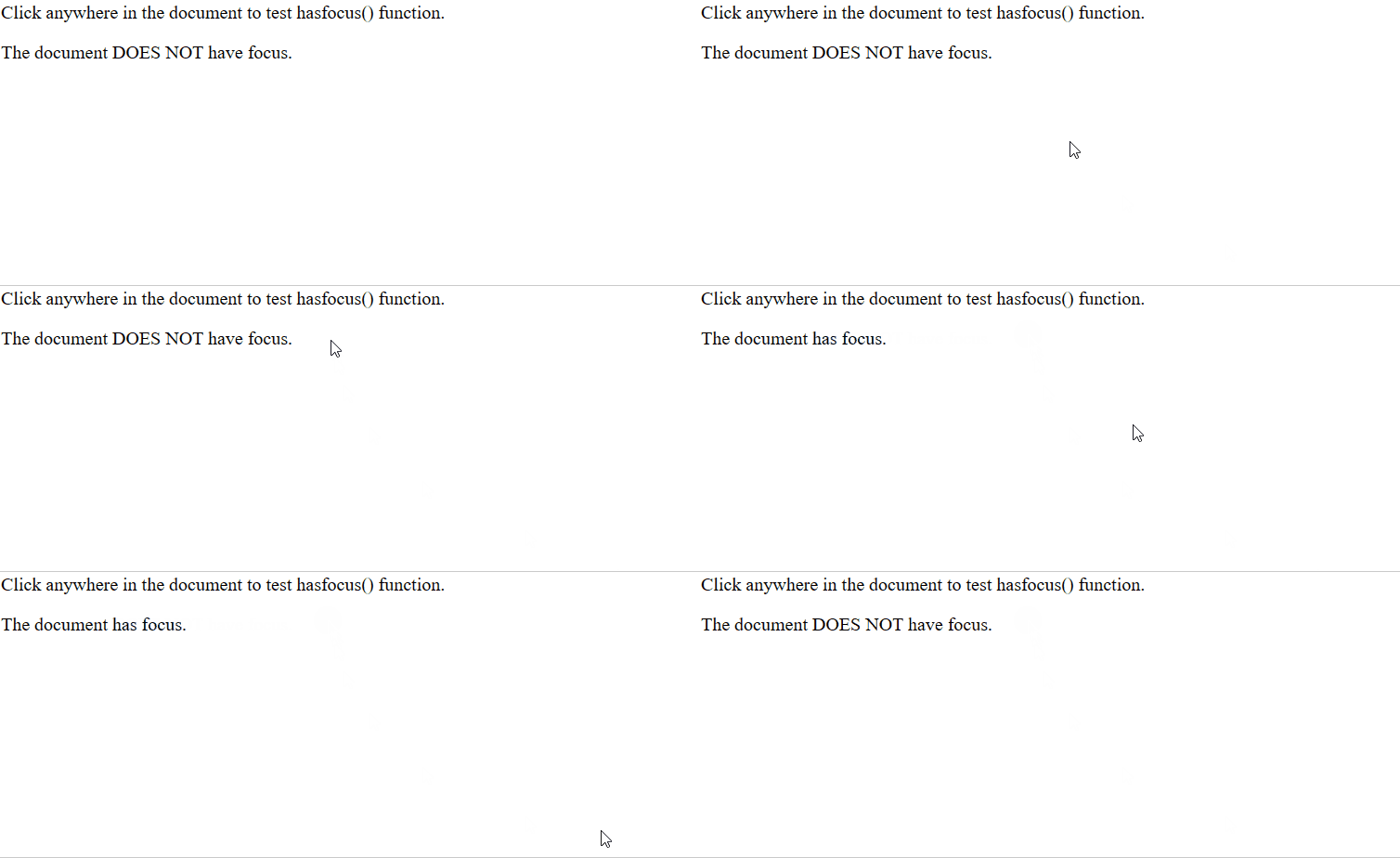
Explanation: The setinterval() function calls the hasfocustest() in 1 millisecond which after evaluation produces a result.
Example 2: This example illustrates changes background-colour of the heading based on whether the document has focus or not.
<!DOCTYPE html>
<html>
<head>
    <title>
        HTML DOM hasFocus() Method
    </title>
</head>

<body>
    <p>
        Click anywhere in the document to
        test hasfocus() function.
    </p>
    <h1 id="para"> Function Testing</h1>
    <script>
        setInterval("hasfocustest()", 2000);

        function hasfocustest() {
           let x = document.getElementById("para");
            if (document.hasFocus()) {
                x.style.background = "palegreen";
            } else {
                x.style.background = "white";
            }
        }
    </script>
</body>
</html>
Output:

Supported Browser: The browsers supported by the method are listed below:
- Google Chrome 1
- Edge 12
- Internet Explorer 5.5
- Firefox 3
- Opera 15
- Safari 4