
Managed Print Services
For organisations that want usage visibility, meter information, consumables awareness and a clearer way to coordinate service needs.
Explore managed print
Phoenix Digital Systems
Practical print services for organisations that need reliable devices, visible running costs and support that keeps everyday document work moving.
Core services
Phoenix works across the print estate: equipment supply, managed support, software control and display technology for rooms where people meet, teach and present.
For organisations that want usage visibility, meter information, consumables awareness and a clearer way to coordinate service needs.
Explore managed print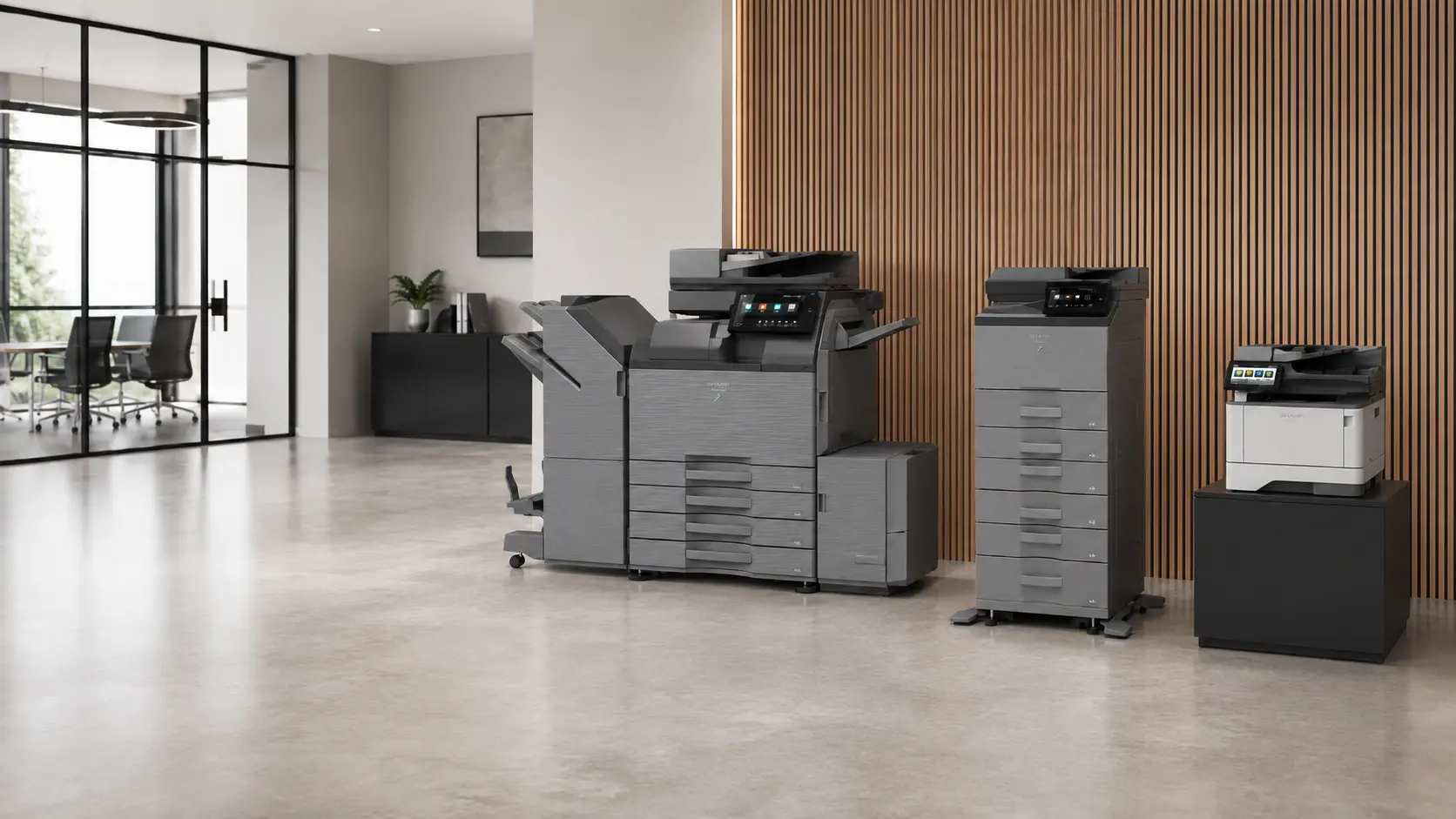
A3 and A4, colour and mono, desktop and floor-standing equipment supplied as new or refurbished devices with practical setup routes.
View device optionsSecure print release, authentication, print rules and reporting for shared devices and controlled print environments.
Review software supportMeeting, training and presentation displays supplied with installation, connectivity planning and orientation support.
See display servicesManaged print in practice
The starting point is understanding what is already in place: devices, volumes, recurring faults, supply routes and the teams that rely on print every day.
From there, Phoenix can help shape a managed print approach that improves meter and usage visibility, keeps consumables needs visible and gives service work a clearer route.
Read about Managed Print ServicesEquipment supply and support
Phoenix can review current devices, print volumes, colour requirements, scan workflows, user groups and available space before recommending a route.
Delivery, installation, network setup and user orientation help new equipment become useful quickly, with service and maintenance options available after handover.
New and refurbished equipment can be considered alongside purchase, leasing and short-term rental, depending on the site requirement and expected use.
Where existing equipment is replaced, responsible removal, recycling and data deletion or sanitisation can be discussed where appropriate.
Control and collaboration
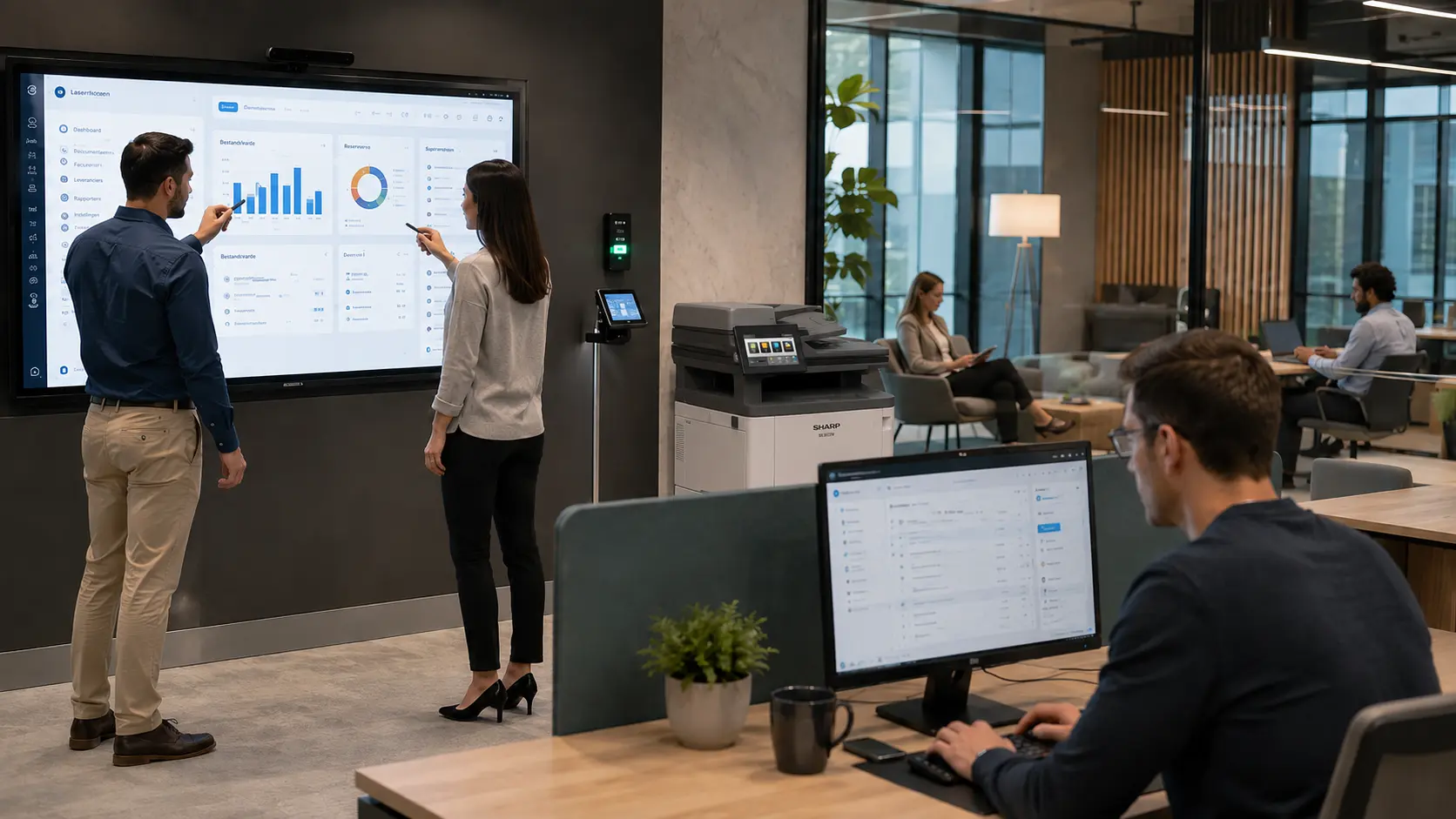
Print-control software can support secure release, user authentication, usage tracking and rules that reduce unnecessary printing on shared devices.
Interactive displays sit alongside the print estate as practical room technology for meetings, training, education and presentations, with setup and ongoing support available.
How Phoenix assesses requirements
Review existing devices, print behaviour, site layout, user needs and support history.
Compare supply, lease, rental, managed support, software or display options against the actual requirement.
Plan delivery, network setup, user training and handover details so the equipment is ready for everyday use.
Use maintenance, repairs, consumables visibility or managed print reporting to keep the estate easier to control.
Business fit
Common questions
Exact figures help, but they are not essential for a first conversation. Current invoices, meter readings, device lists or a rough usage pattern can all help shape the assessment.
Phoenix can discuss existing equipment, supply routes and support needs before recommending whether to keep, replace or rationalise devices.
No. It can also suit smaller organisations where print costs, consumables, meters or service issues have become hard to track.
Next step
For a useful quote, share device types, approximate print volumes, locations, contract dates, support issues and whether you are interested in purchase, lease, rental or managed support.
Share what you use now, what is causing friction, and what needs to change. Phoenix can then shape the right supply, support or software route.