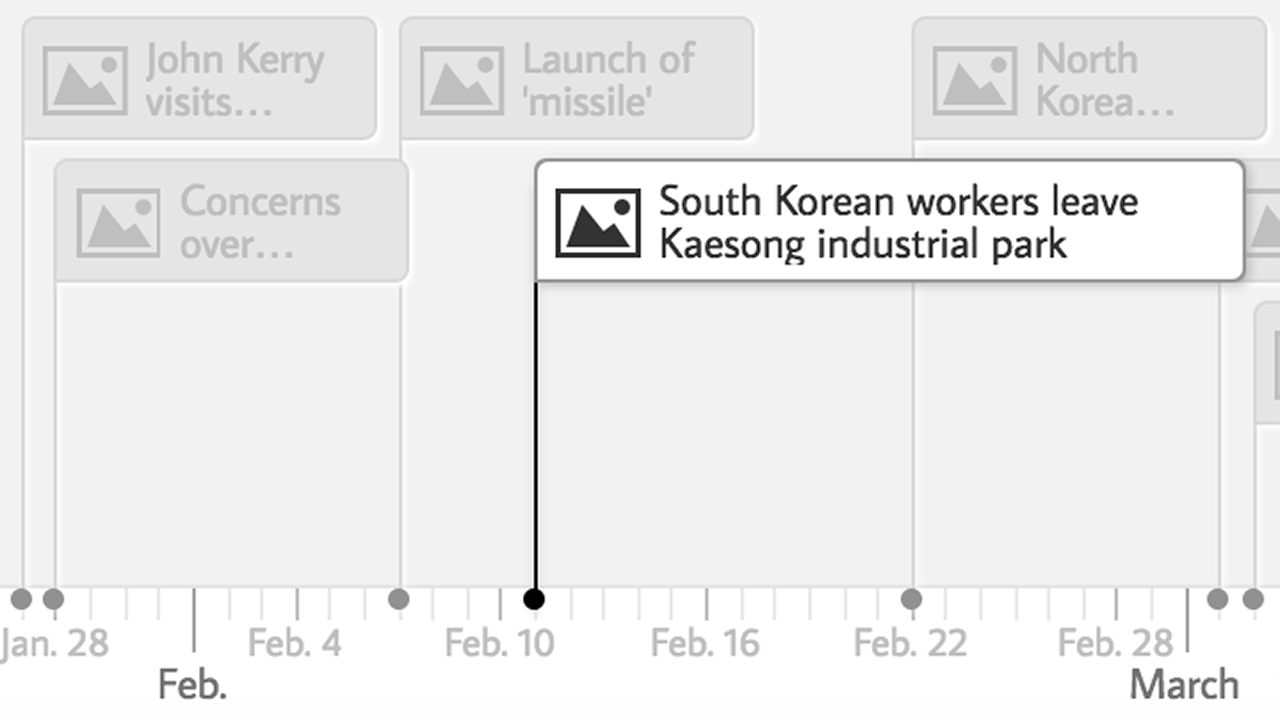
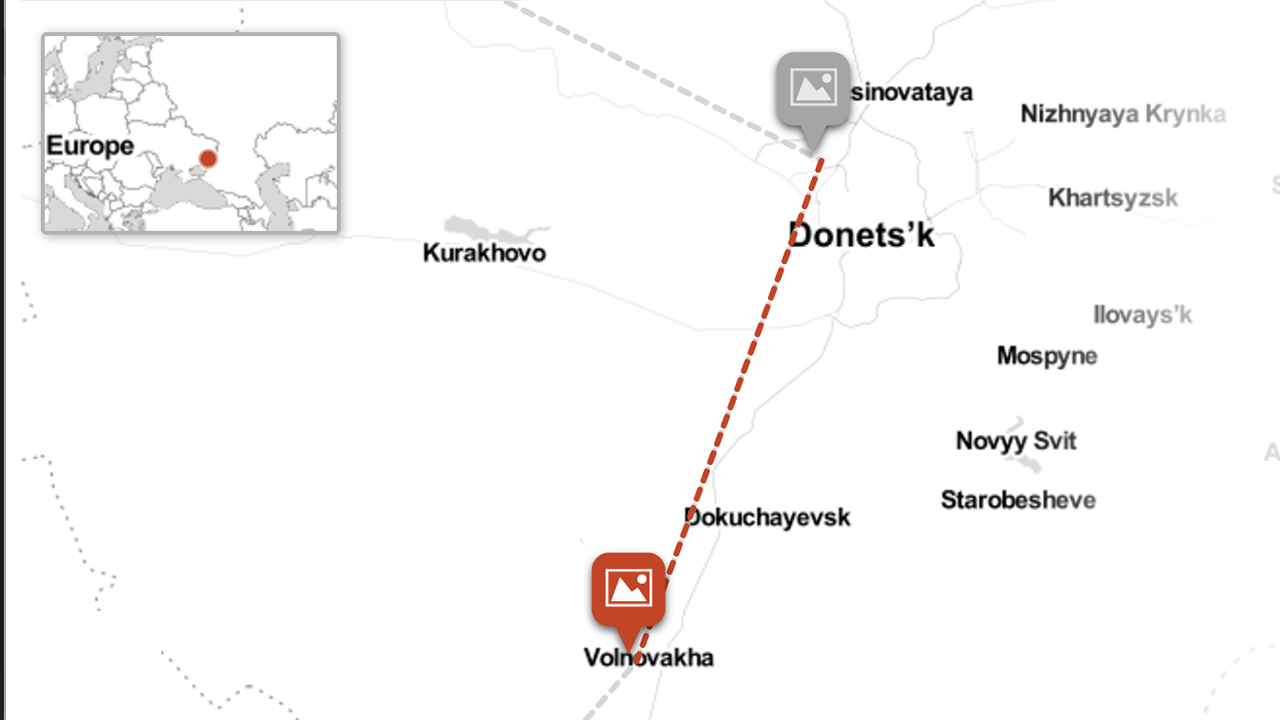
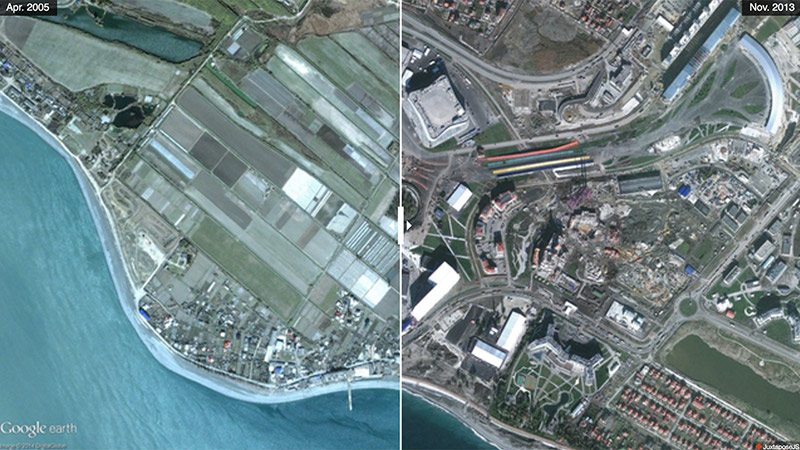
StoryMapJS is a free tool to help you tell stories on the web that highlight the locations of a series of events. It is a new tool, yet stable in our development environment, and it has a friendly authoring tool.
There are a couple ways you can make a StoryMap.
-
Maps
Add a slide for each place in your story. Setting the location is as easy as a text search for the name or address. You can change the visual style of your map with a few presets, or you can use Mapbox to create your own style.
-
Really big images
You can tell stories with large photographs, works of art, historic maps, and other image files. Because it works best with pixel-dense files, we call these
gigapixel
. Setting one up requires you to host files on a web server.
Tips & tricks
- Keep it short. We recommend not having more than 20 slides for a reader to click through.
- Pick stories that have a strong location narrative. It does not work well for stories that need to jump around in the map.
- Write each event as a part of a larger narrative.
- Include events that build up to major occurrences — not just the major events.
Media sources
StoryMap JS can pull in media from a variety of sources. Twitter, Flickr, YouTube, Vimeo, Vine, Dailymotion, Google Maps, Wikipedia, SoundCloud, Document Cloud and more!
Examples
Help
Need help? First, please be sure to look at our list of frequently asked questions below.
If you don't find an answer there, try our support forums or use our tech support web form. Please be clear with your question, include a link to your spreadsheet, and if appropriate, a link to a page which shows the issue with which you need help. We can only answer support questions in English. We try to be prompt, but please understand that we do not have a dedicated tech support staff.
Find a bug? If you are confident you have found a bug, please report it as a GitHub issue. Be sure to include detailed instructions on how to reproduce the bug. If you're not sure, please start with the tech support system.
Technical documentation
Go further with StoryMap:
Frequently asked questions
-
What CMS does StoryMapJS work on?
- Custom sites
- Wordpress
- Squarespace
- Wix
Please let us know if you have tried it on others and it works, so that we can add to the list.
-
Why aren't my Google Drive or DropBox Zoomify images working?
Unfortunately, Google has deprecated web hosting in Google Drive, which means that Zoomify images hosted on Google Drive. will no longer display. Dropbox has similary discontinued rendering content in public folders, so this method will cause problems for many users as well.
We find that many people aren't familiar with web image hosting, so we've written up instructions for two solutions so far: hosting on Amazon Web Services, and on Github.
-
Why are my DropBox images not showing
First the image must be in the public folder.
To get the image URL change the domain name from the link that dropbox creates.
Incorrect:
https://www.dropbox.com/s/38053034/GOT%20Storymap%20images/jon-weirwood-tree.jpgCorrect:
https://dl.dropboxusercontent.com/u/38053034/GOT%20Storymap%20images/jon-weirwood-tree.jpg -
How can I have a map without the lines between points?
To disable connecting lines on maps, use the StoryMap option:Treat as Image(as opposed to the default,Treat as Cartography) -
How can I link to a specific slide?
You can add a parameter to the URL that is the value of the iframe src attribute,
start_at_slide. Its value should be a number from 0 to one less than the total number of slides in the storymap.For example:
http://cdn.knightlab.com/libs/storymapjs/latest/embed/?url=//media.knightlab.com/StoryMapJS/demo/sochi.json&start_at_slide=5This should load
Sochi 2014 Olympic Torch Relay Highlights: Slide 5.
-
How can I use a custom map?
Choose
optionsfrom the top left of the StoryMap window, then from themap typemenu choose the type you like.Select
SelectMapboxto enter the ID of your Mapbox map.customto enter the URL for a tile server. If the server supports multiple subdomains, enter them as a single string in the Subdomain field (e.g. subdomains 'a', 'b', and 'c' should be entered as 'abc'). -
How can I adjust the zoom?
To keep it simple for most users, we've made some assumptions in the authoring tool which may not universally apply. For example, the first screen is always an
overviewslide. Also, the zoom is affected by the overall size of the map and the relationship between the current and previous points on the map.It's possible to download the configuration (a JSON file) that the authoring tool makes and edit the JSON yourself. You could then change the first slide to not be an
overviewand manually set a starting lat/lon/zoom.Be aware that switching back and forth between editing within and outside the authoring tool can get messy, so we suggest using our advanced method to have maximum control over the zoom feature and more.
Privacy Policy
The StoryMapJS editor uses your Google account to make sure that only you can edit your storymaps. This saves you from needing to remember another password, and saves us from having to help you if you forget it. We only ask for your "profile," which gives us a unique identifier which we can use to connect you to your projects. We don't have your name or G-mail address.
Originally, the StoryMapJS editor stored your projects on your Google Drive, but that is no longer the case. We used to ask for access to your Google Drive. If you made storymaps a very long time ago and have not used the tool since, we may need to ask you to give us permission to read from your Google Drive to "migrate" your old projects.
Please note that it is possible to use StoryMapJS without a Google account; however, it is not possible to use our editor tool. If you prefer not to use a Google account, you will need to manually edit a configuration file and you will need to serve your configuration file and any related media assets from your own server. Some more information about this can be found on our StoryMap for Technical Users page.
Storytelling Tools
We build easy-to-use tools that can help you tell better stories.